Rihanna AI Art – AI-Generated Text To Image Examples + AI Tools
Are you looking to make the best use of AI-Powered Text To Image Generators? Check out the Rihanna AI Art Generated with AI Tools. Create your own AI Art.
Let’s explore the process of producing stunning AI-generated images with a few sample prompts, all featuring Rihanna as the focal point.
Use these techniques to create awesome-looking AI Images for your next AI Art projects.
Chapters
Here’s how AI Text to Image Generators Work [Video Tutorial]
Rihanna AI Art – AI-Generated Text To Image Examples
Now let’s have a look at examples of Images Generated by AI of Rihanna. We’ll fine-tune the input prompts along the way and share the prompts below the photo so you can create your own variations.
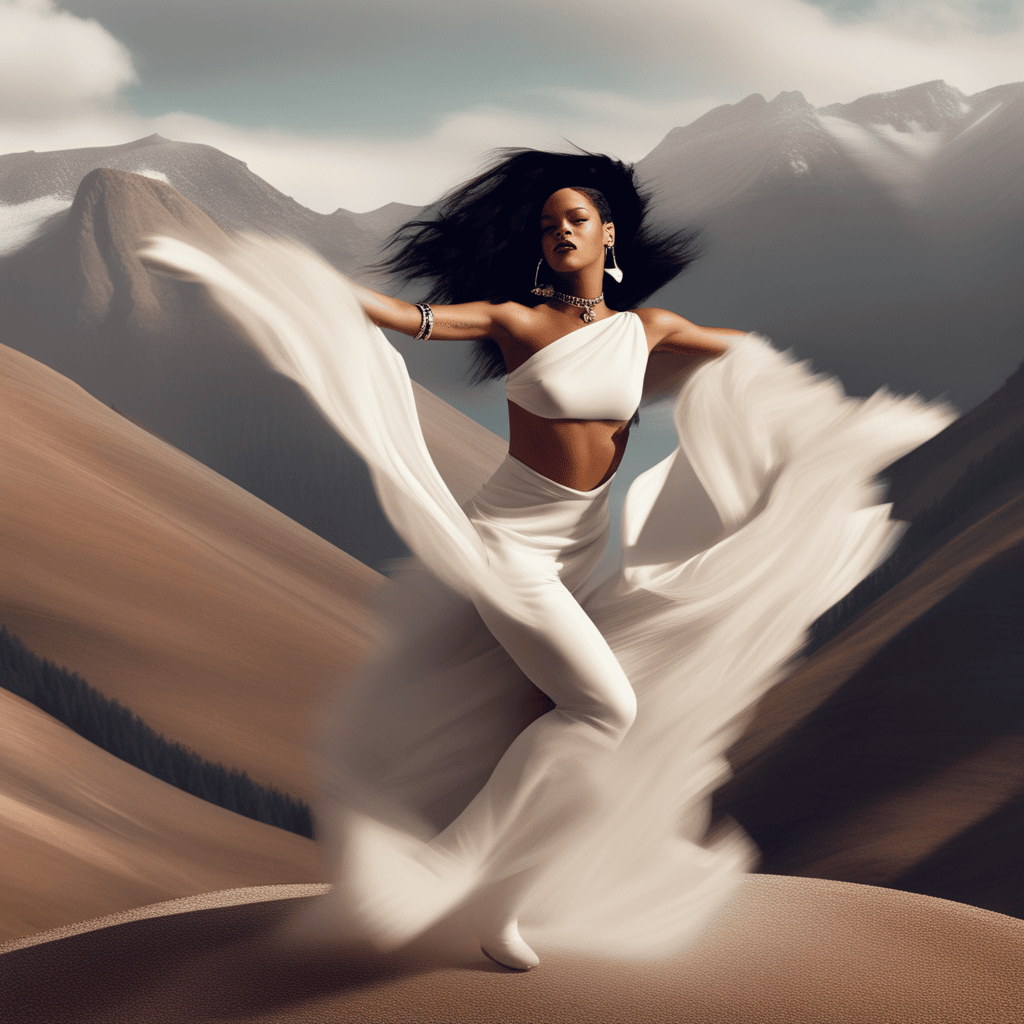
AI Art Prompt used:
Rihanna dancing in a mountain landscape
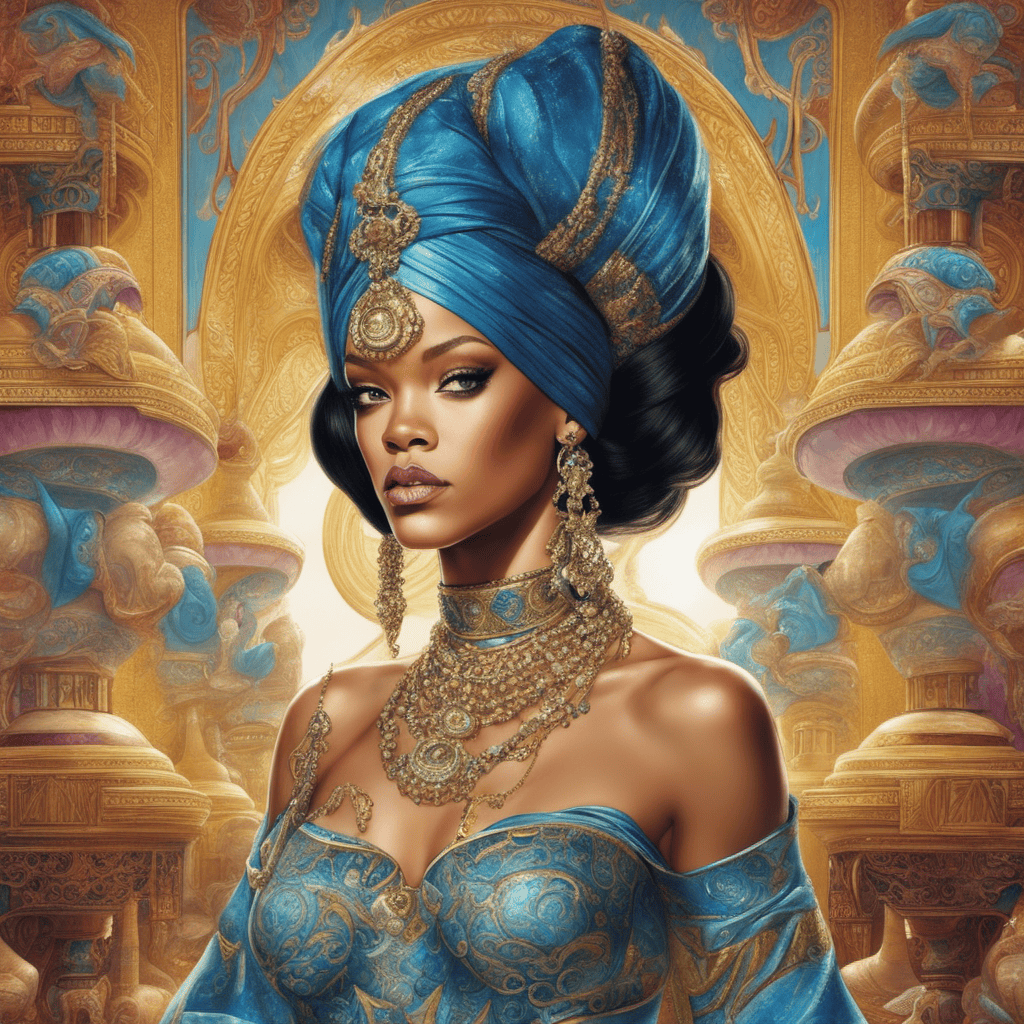
AI Art Prompt used:
Rihanna as Jasmine from Aladdin, extremely detailed, style of Alan Aldridge
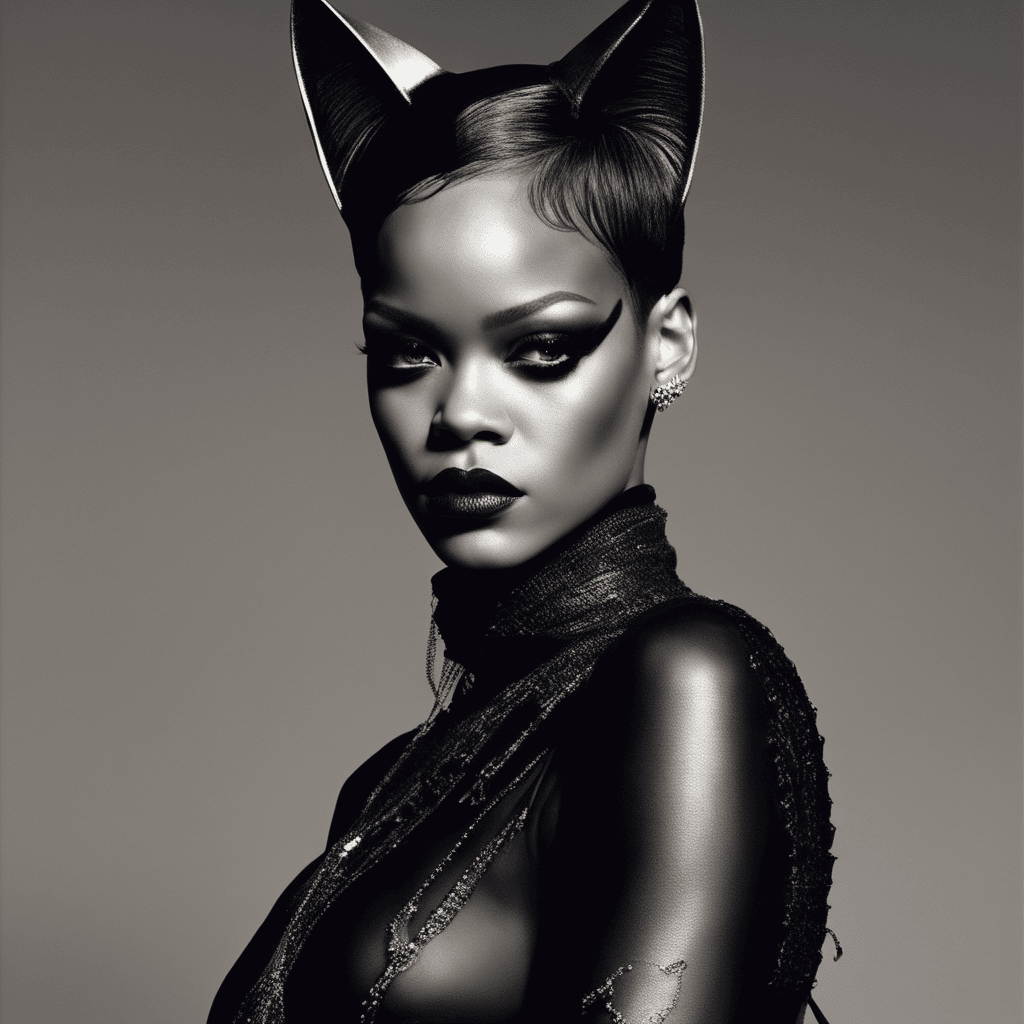
AI Art Prompt used:
Rihanna as Cat Woman, extremely detailed, style of Abert Watseon
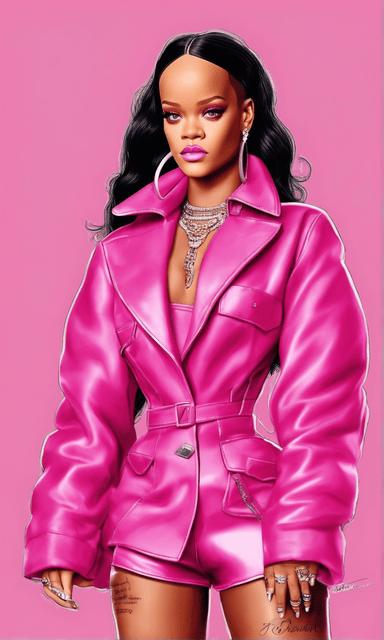
AI Art Prompt used:
Rihanna, dressed in pink like a Barbie, extremely detailed, extremely realistic
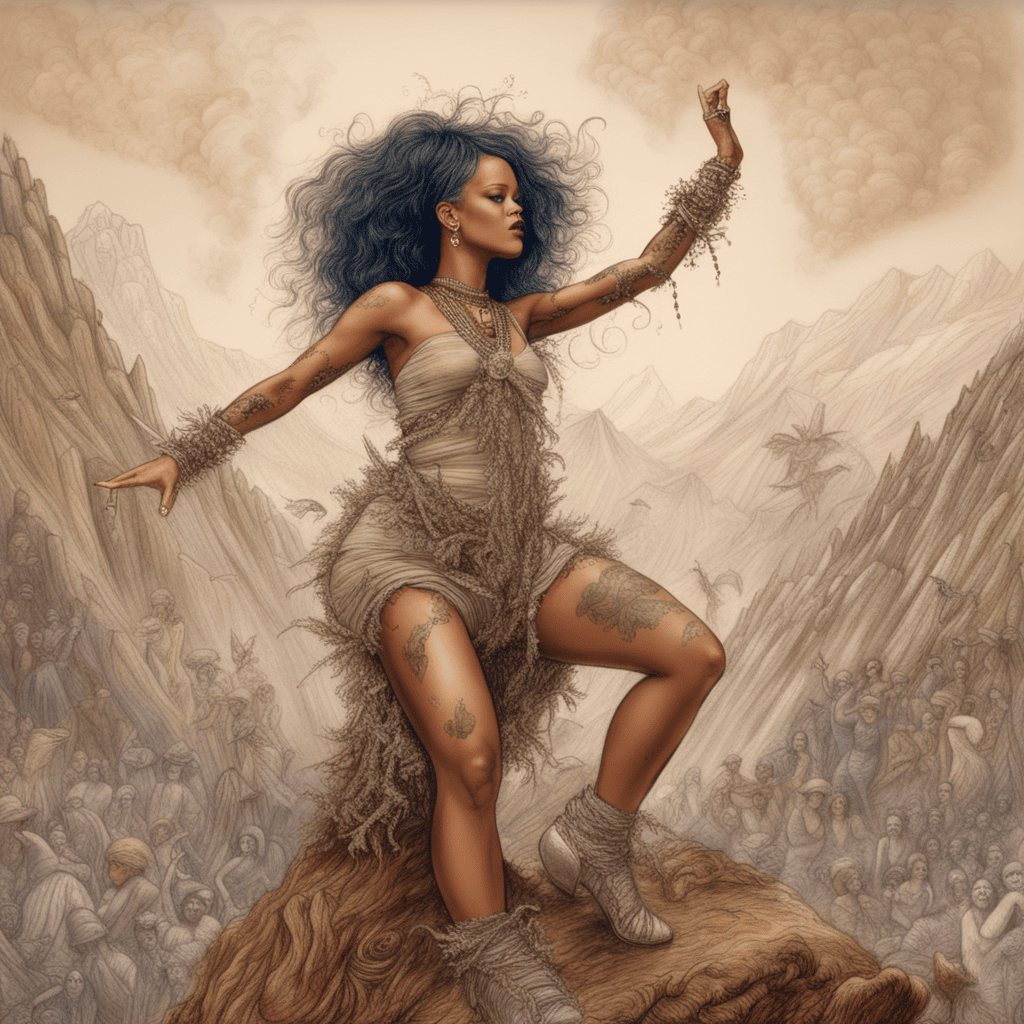
AI Art Prompt used:
Rihanna dancing on mountain, extremely detailed, style of Adonna Khare
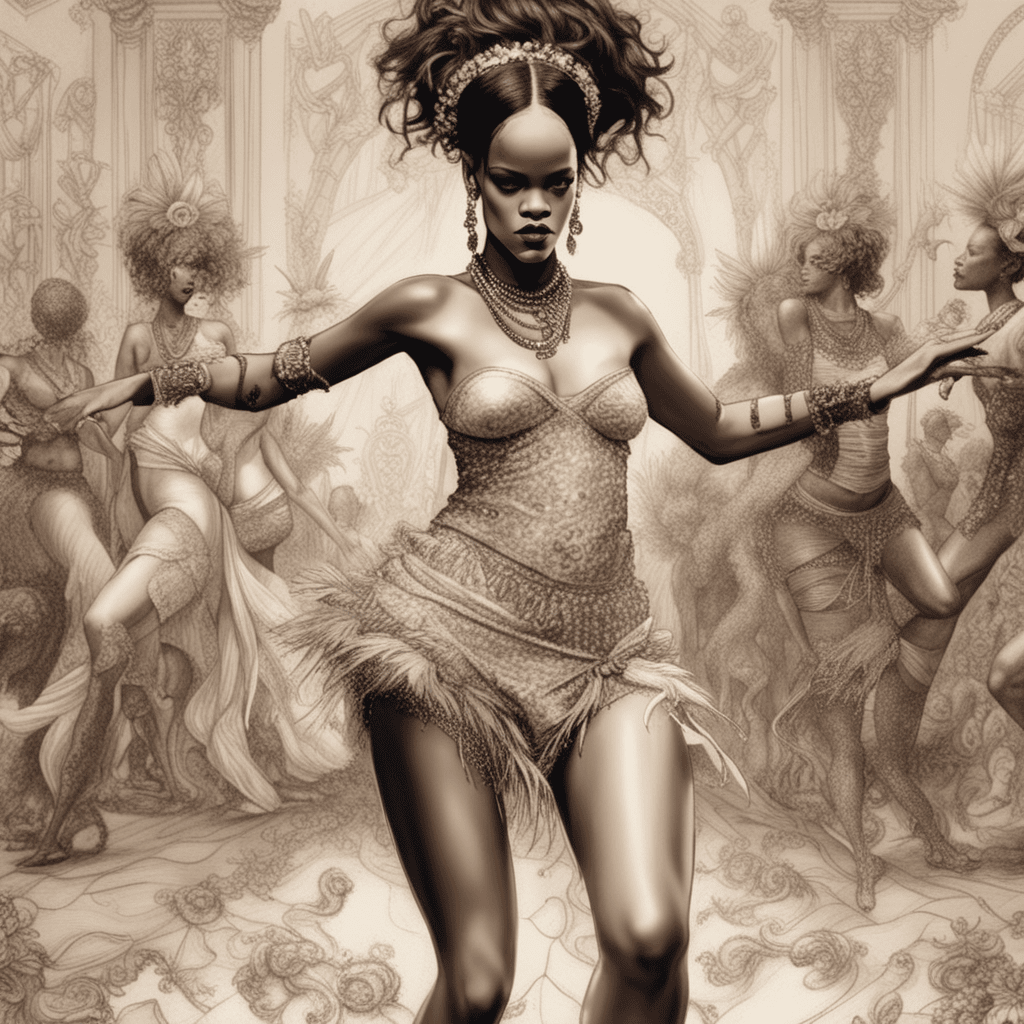
AI Art Prompt used:
Beautiful Rihanna, dancing, extremely detailed, style of Adonna Khare
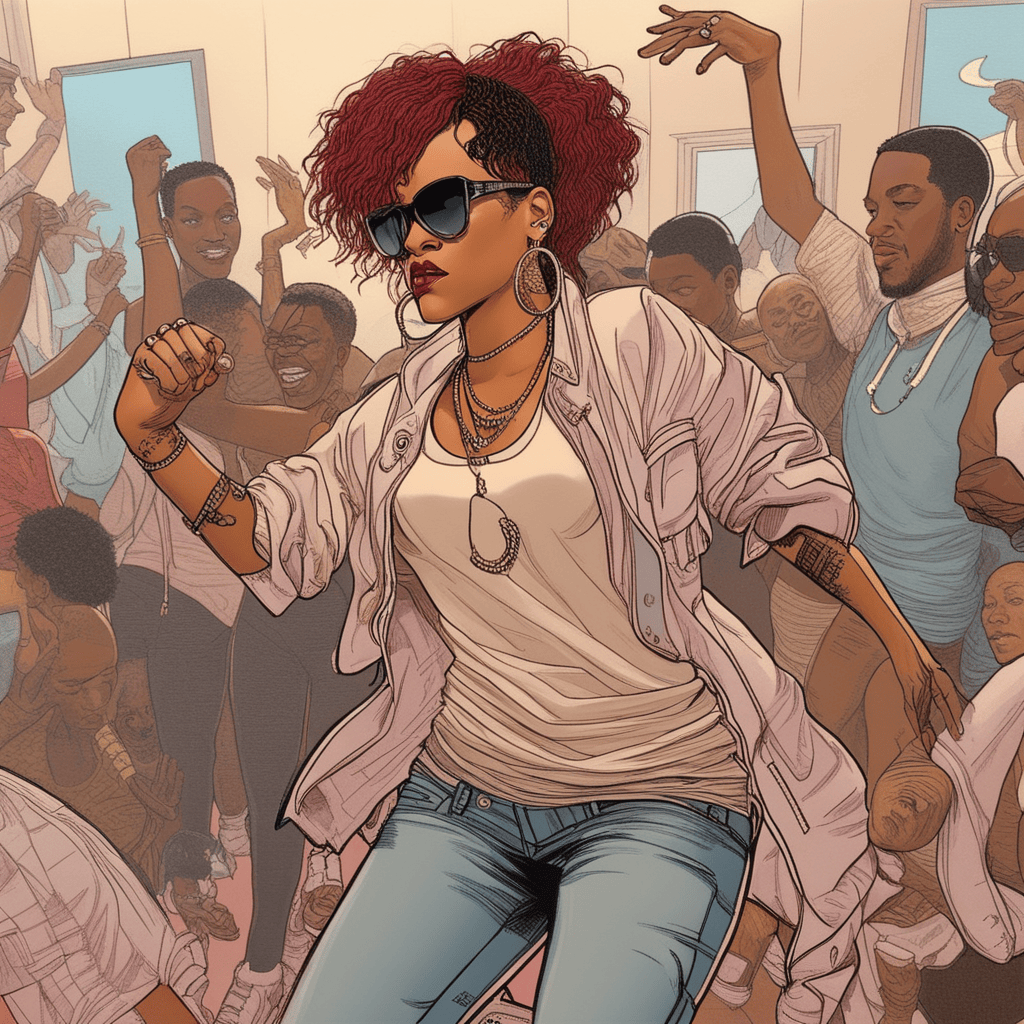
AI Art Prompt used:
Beautiful Rihanna, dancing, extremely detailed, style of Aaron McGruder
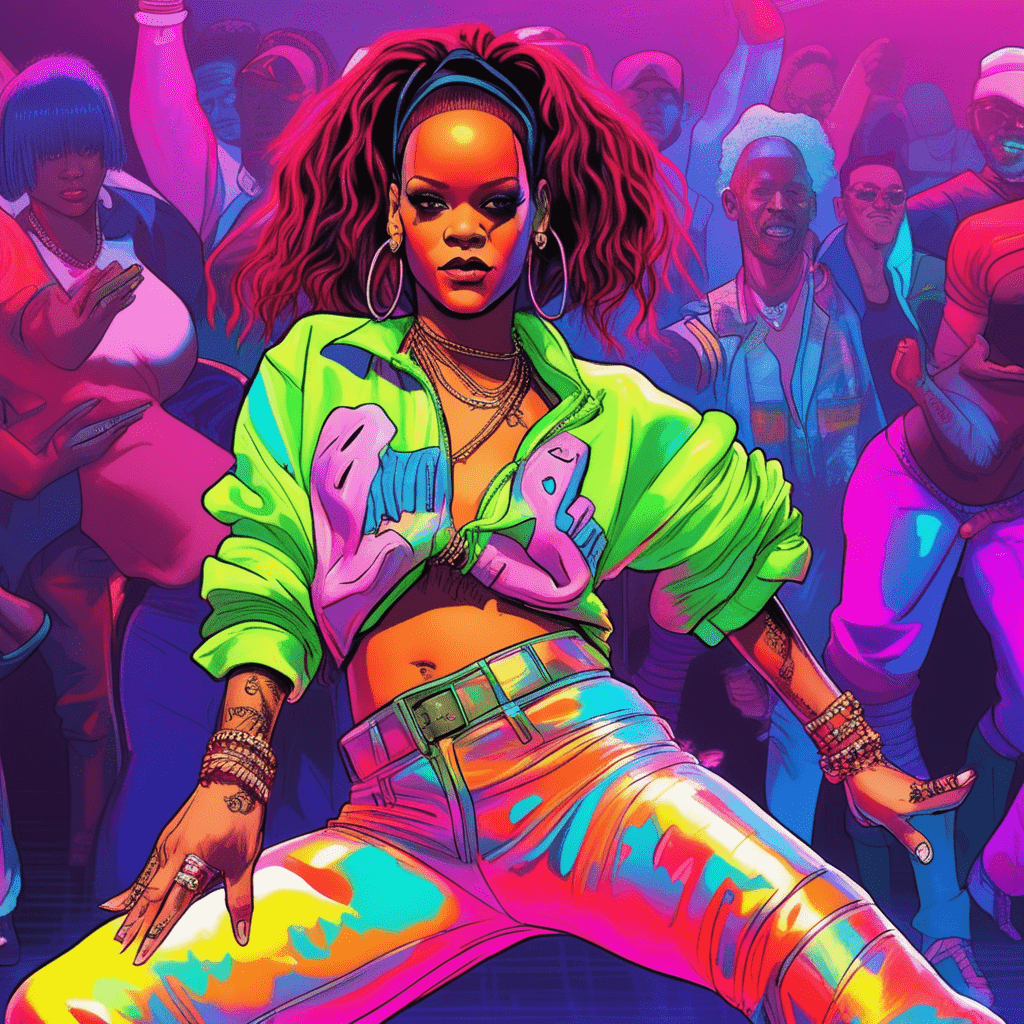
AI Art Prompt used:
Beautiful Rihanna, dancing, extremely detailed, style of Aaron McGruder, in neon
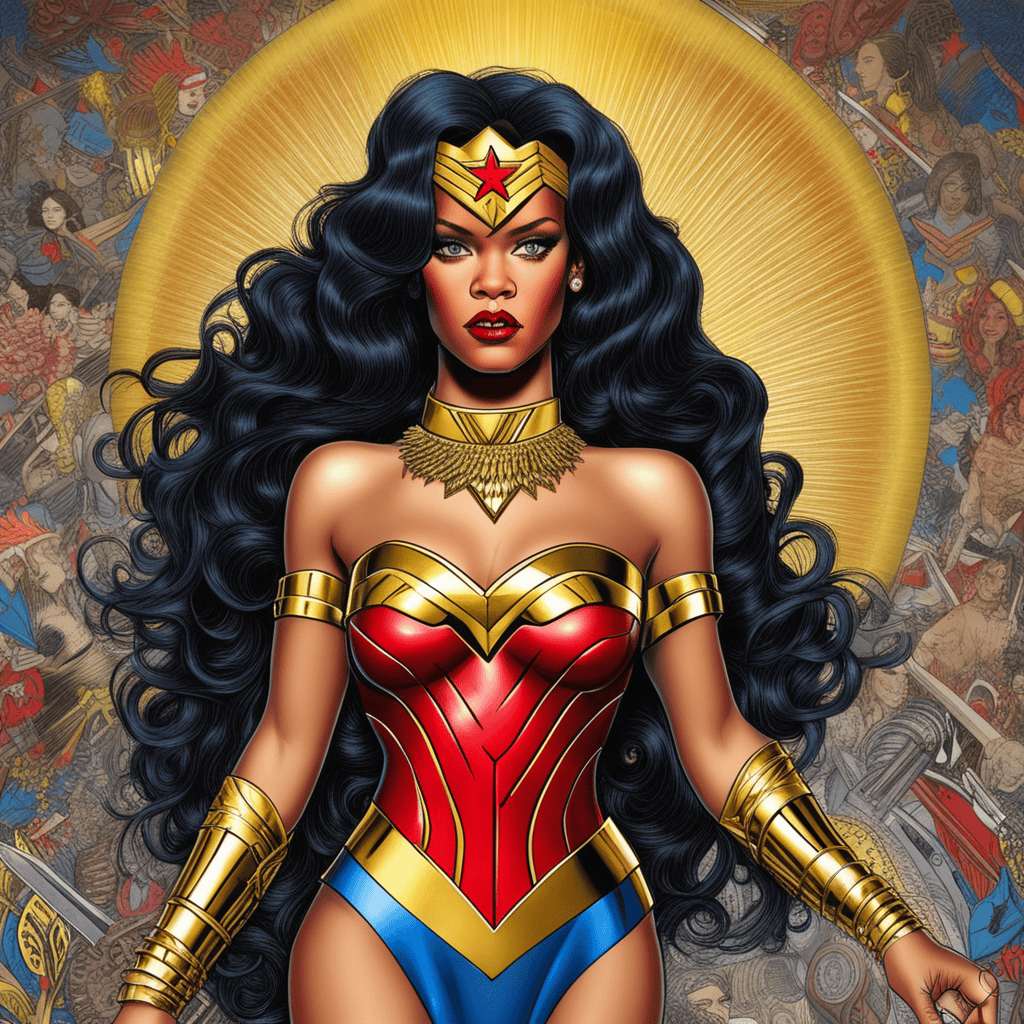
AI Art Prompt used:
Rihanna as wonder woman, extremely detailed, style of Alan Aldridge
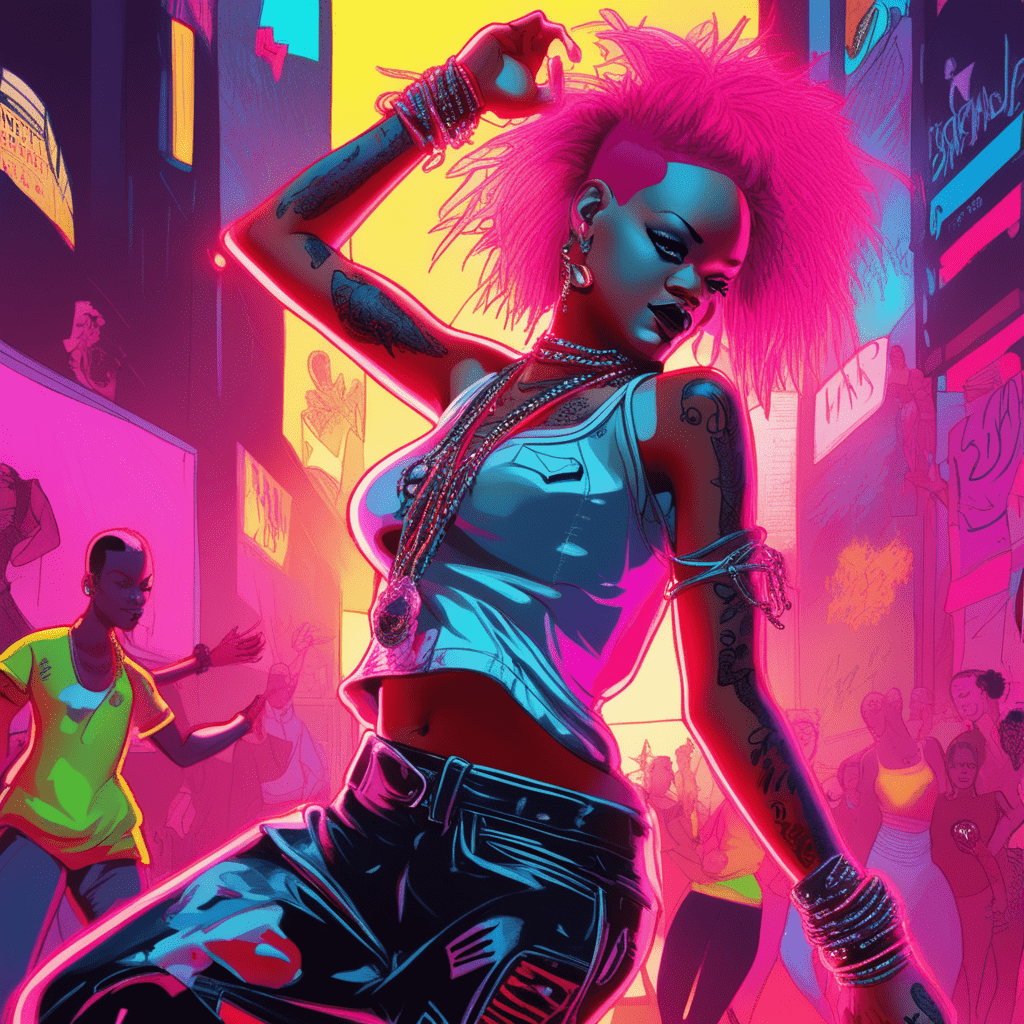
AI Art Prompt used:
Beautiful Rihanna, dancing, extremely detailed, style of Aaron McGruder, in neon, punk
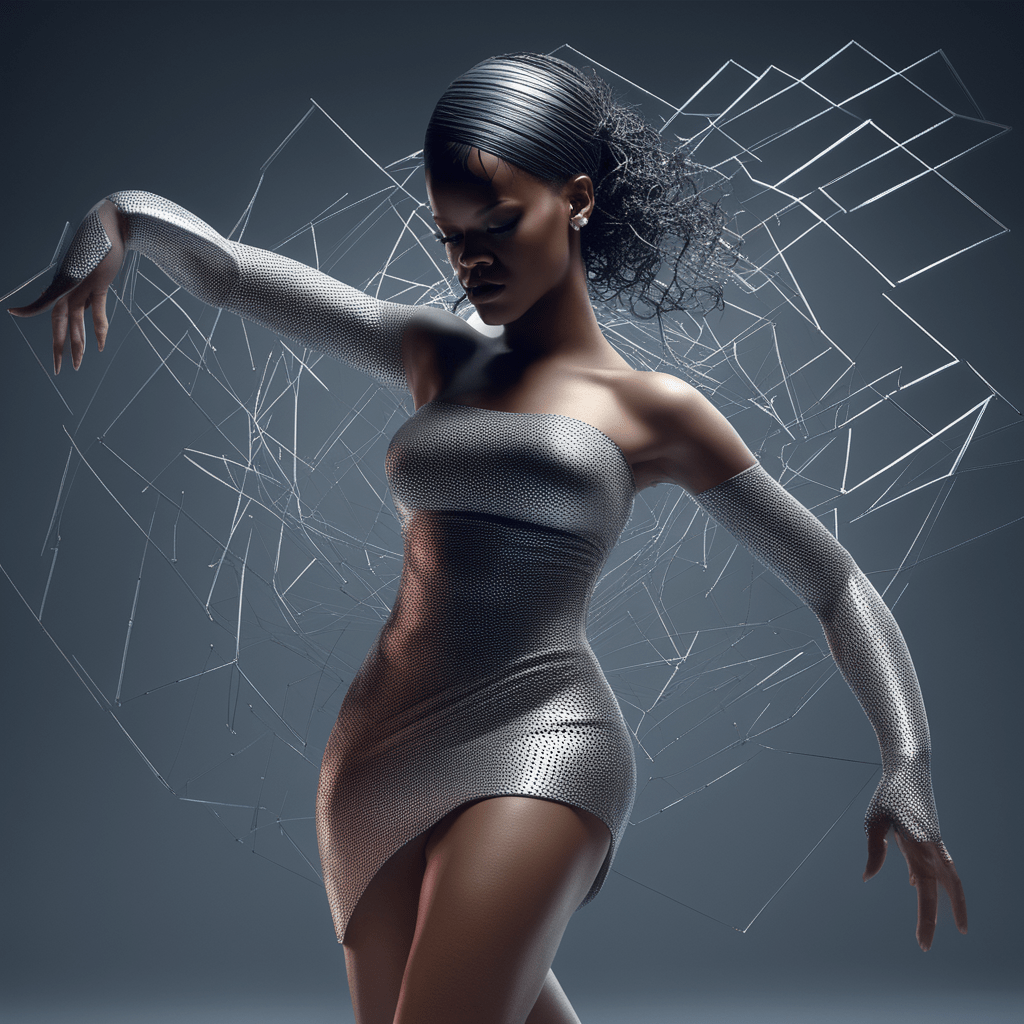
AI Art Prompt used:
Beautiful Rihanna, dancing, extremely detailed, style of Adam Martinakis
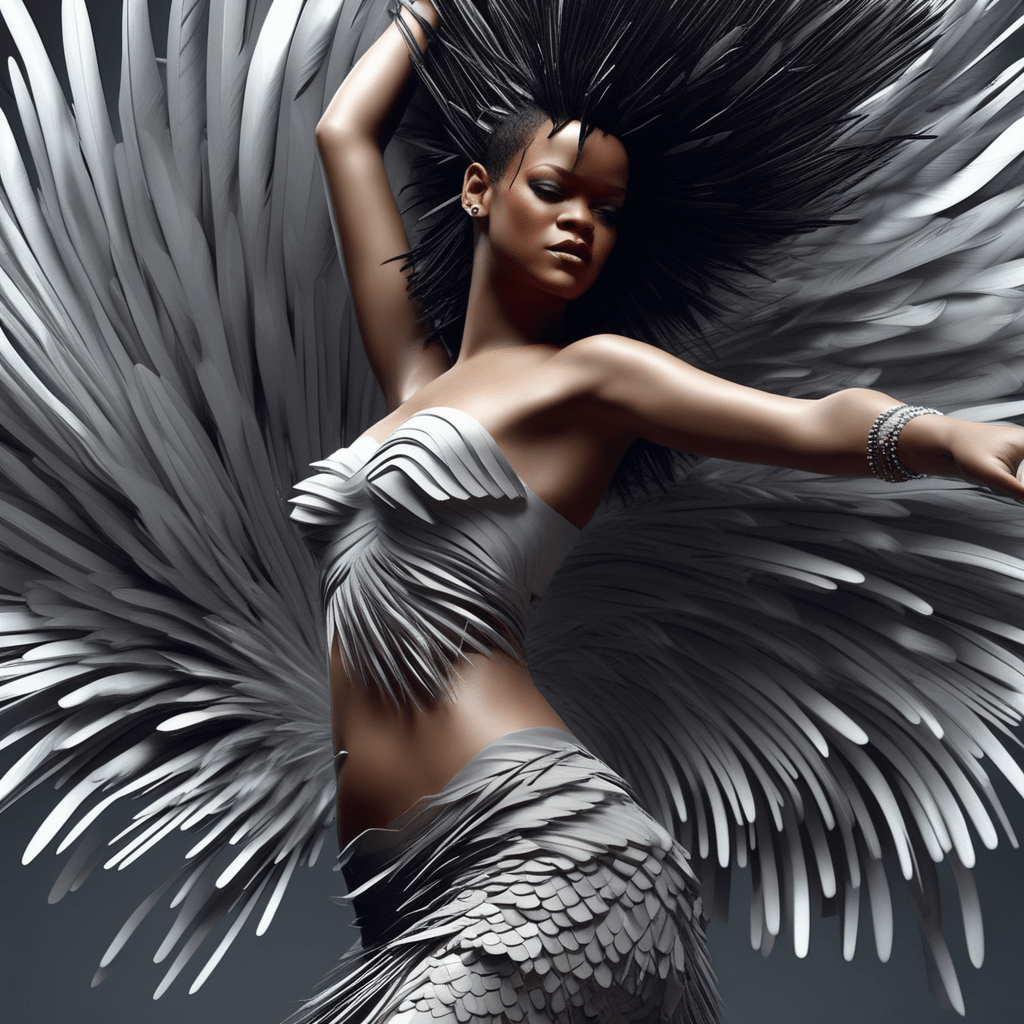
AI Art Prompt used:
Beautiful Rihanna, dancing, extremely detailed, style of Adam Martinakis, feathers
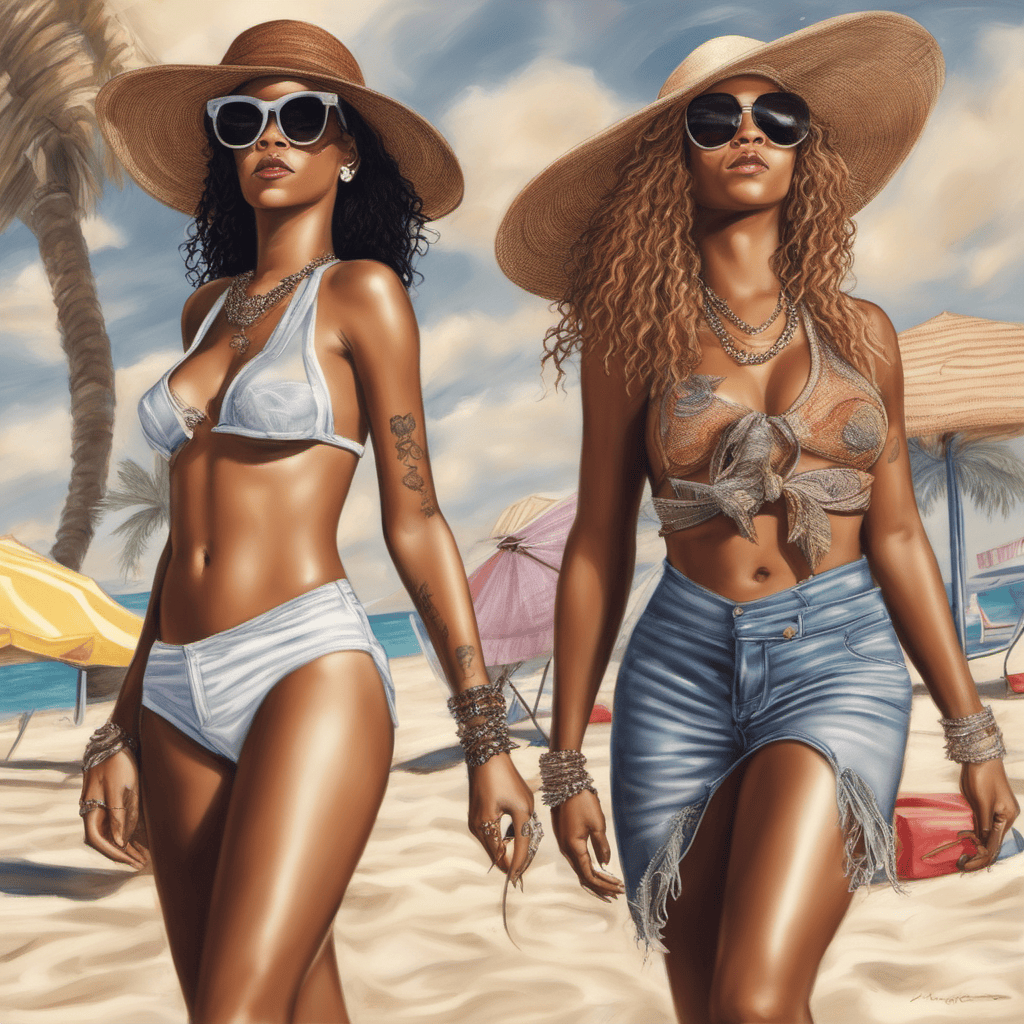
AI Art Prompt used:
Beautiful Rihanna and Beyonce Walking on a Beach, Extremely detailed, Realistic
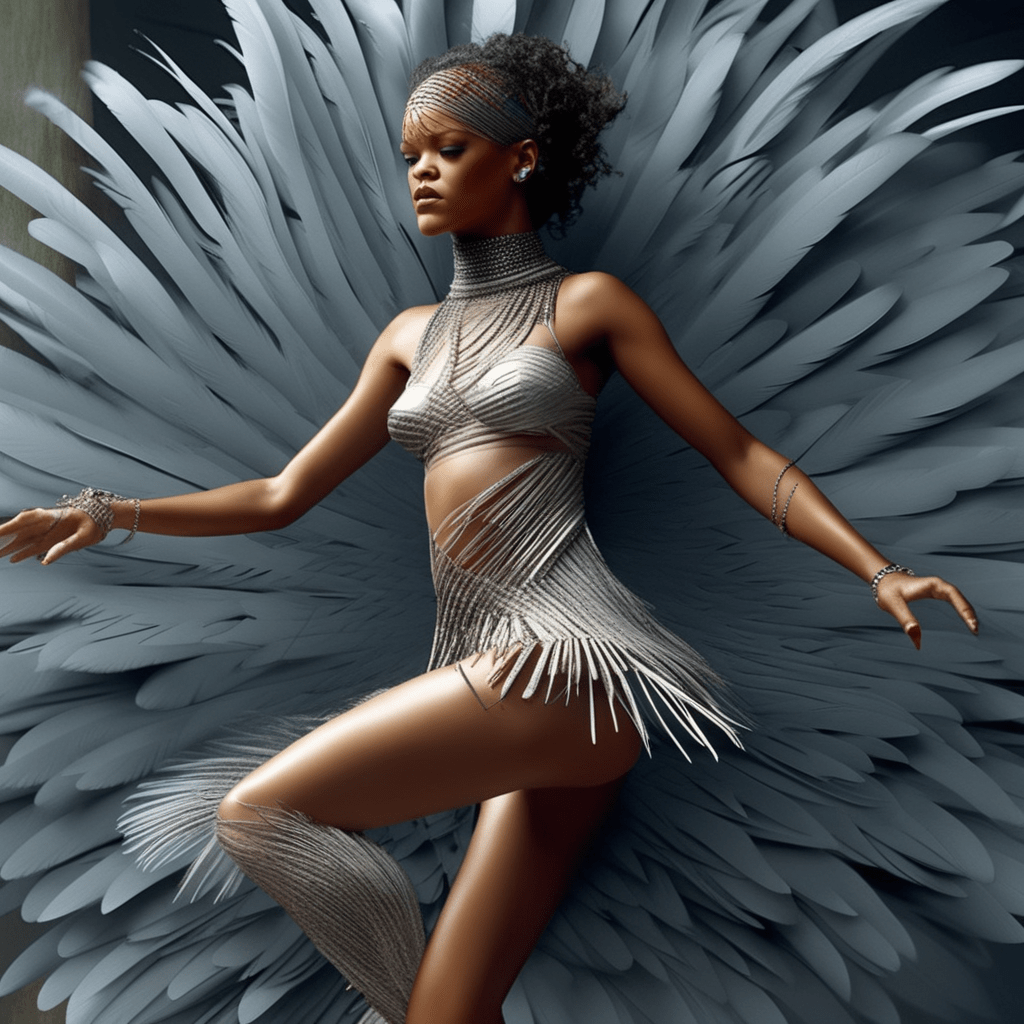
AI Prompt used:
Beautiful Rihanna, dancing, extremely detailed, style of Adam Martinakis, feathers, in Jamaica
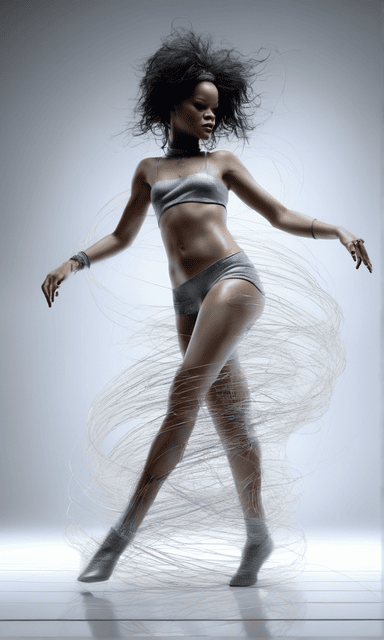
AI Prompt used:
Rihanna dancing, extremely detailed, style of Adam Martinakis, furry
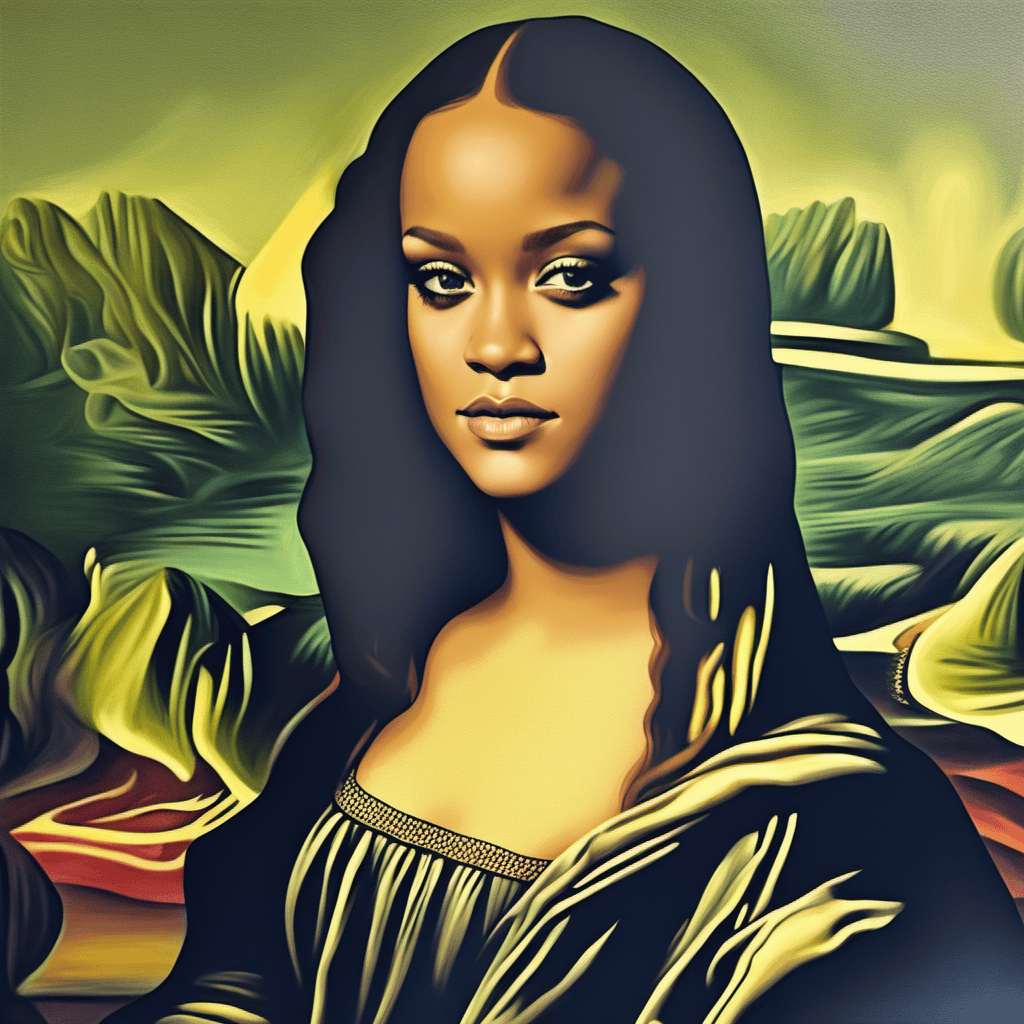
AI Prompt used:
Beautiful Rihanna, as Mona Lisa, Oil Painting
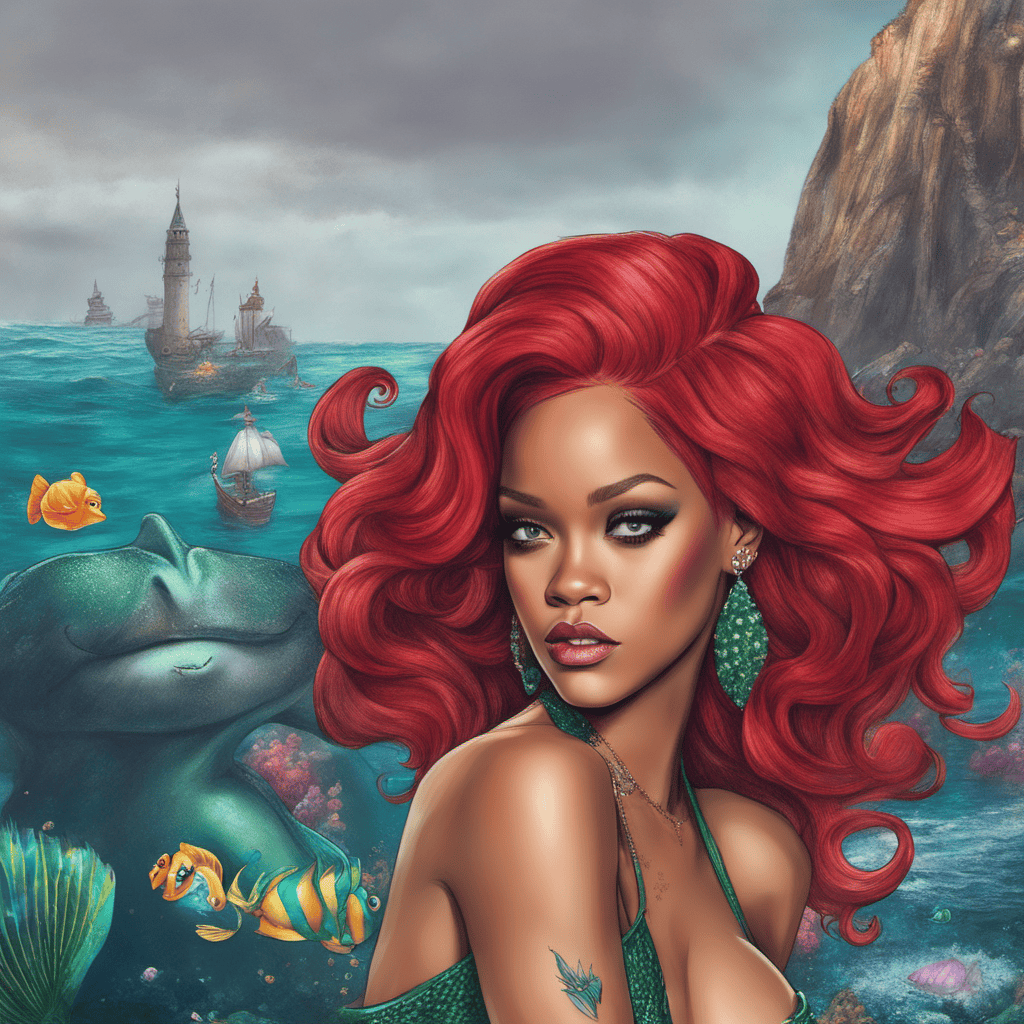
AI Prompt used:
Beautiful Rihanna, as Ariel Little Mermaid, in water, digital art
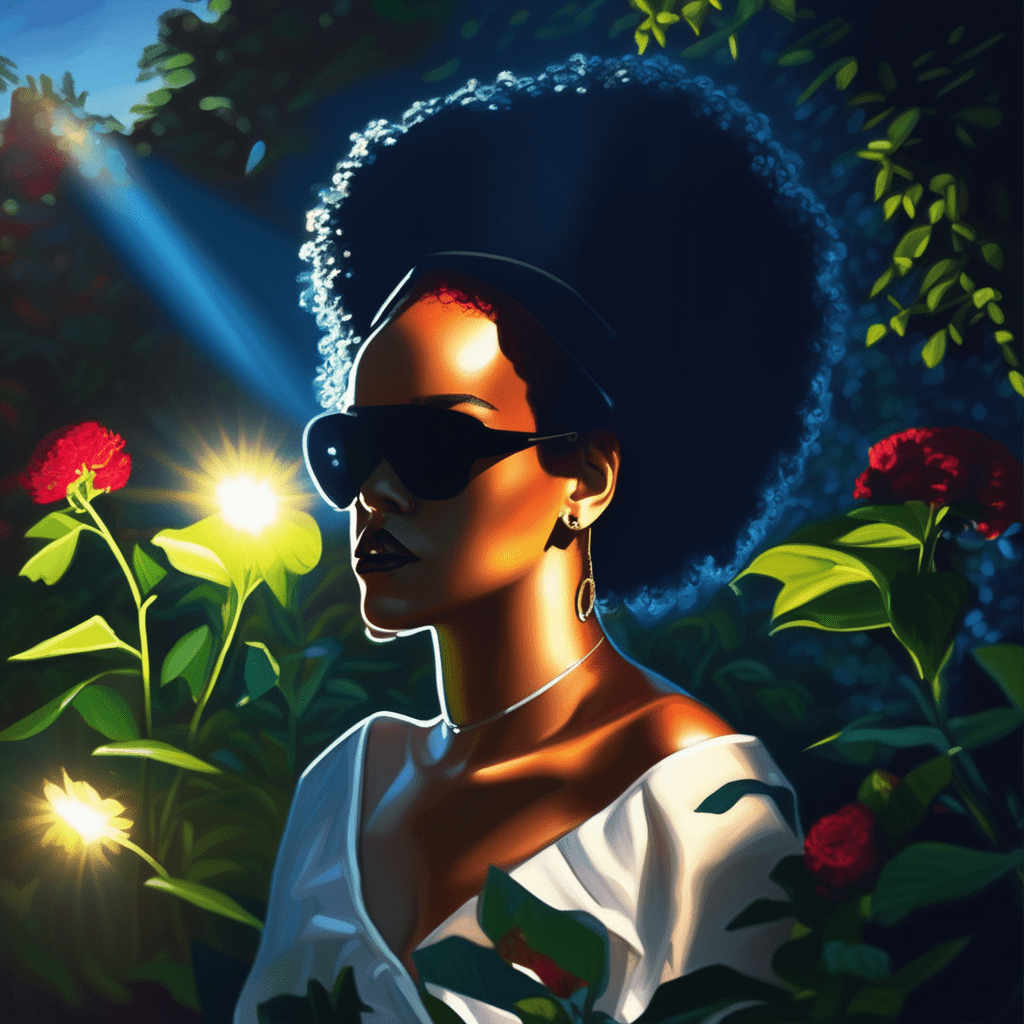
AI Art Prompt used:
Rihanna in a garden, sun shining bright at night, volumetric lighting, flat lighting photo, oil painting
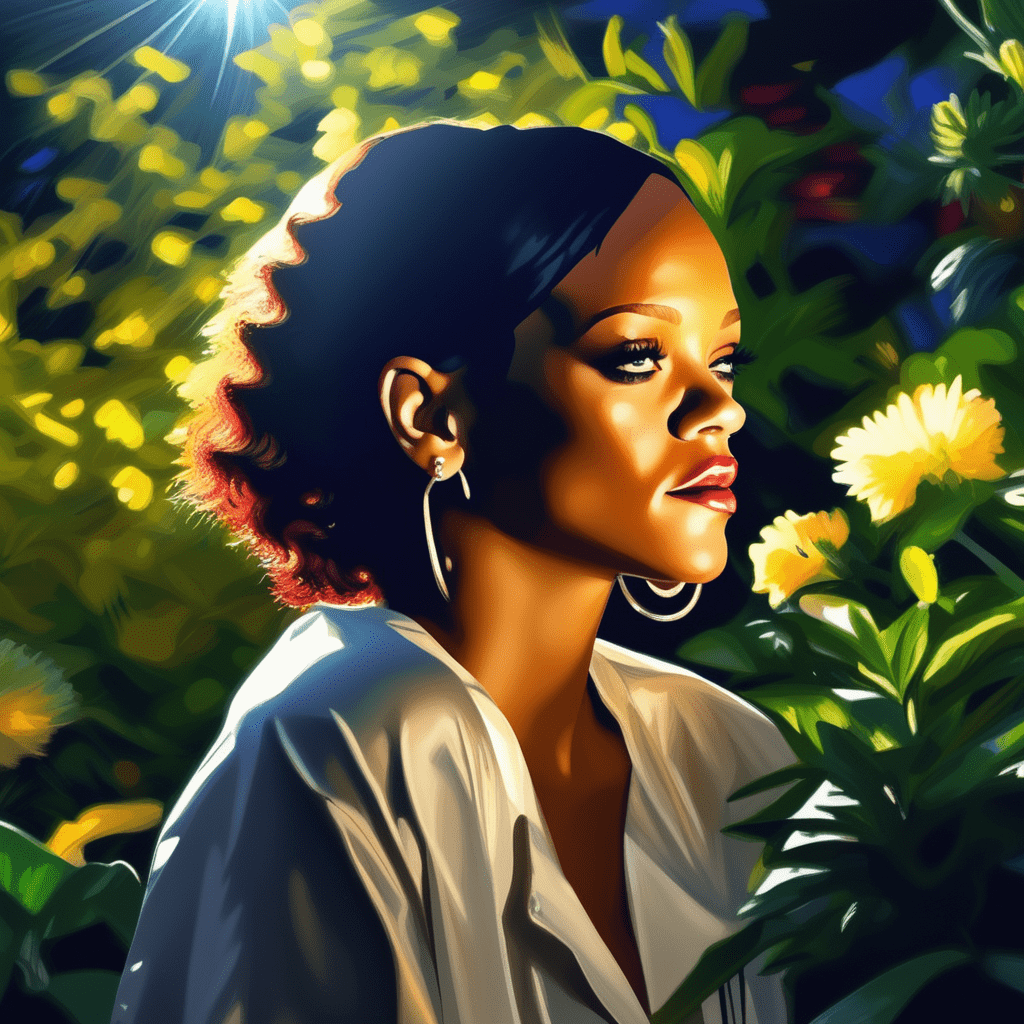
AI Art Prompt used:
Beautiful Rihanna in a garden, sun shining bright at night, volumetric lighting, flat lighting photo, oil painting
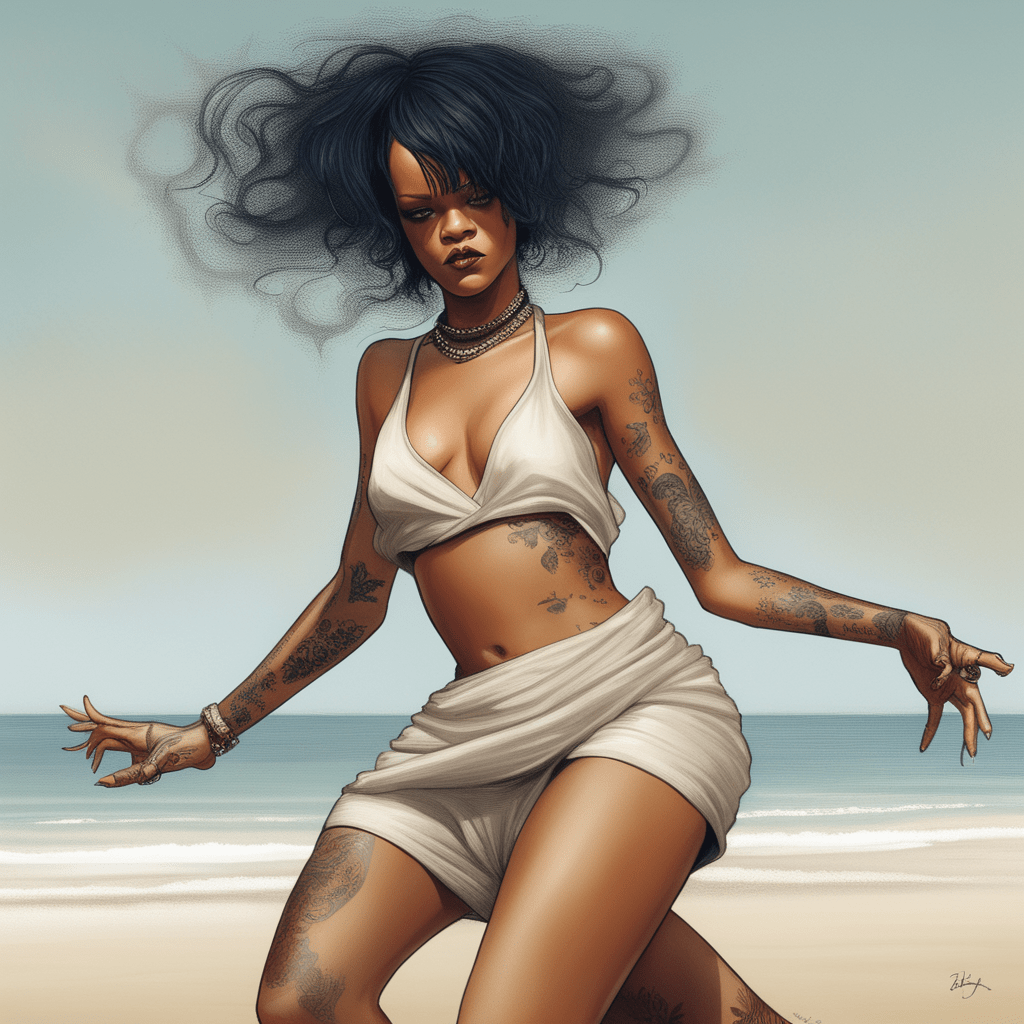
AI Art Prompt used:
Rihanna dancing on the beach, extremely detailed, Afarin Sajedi style
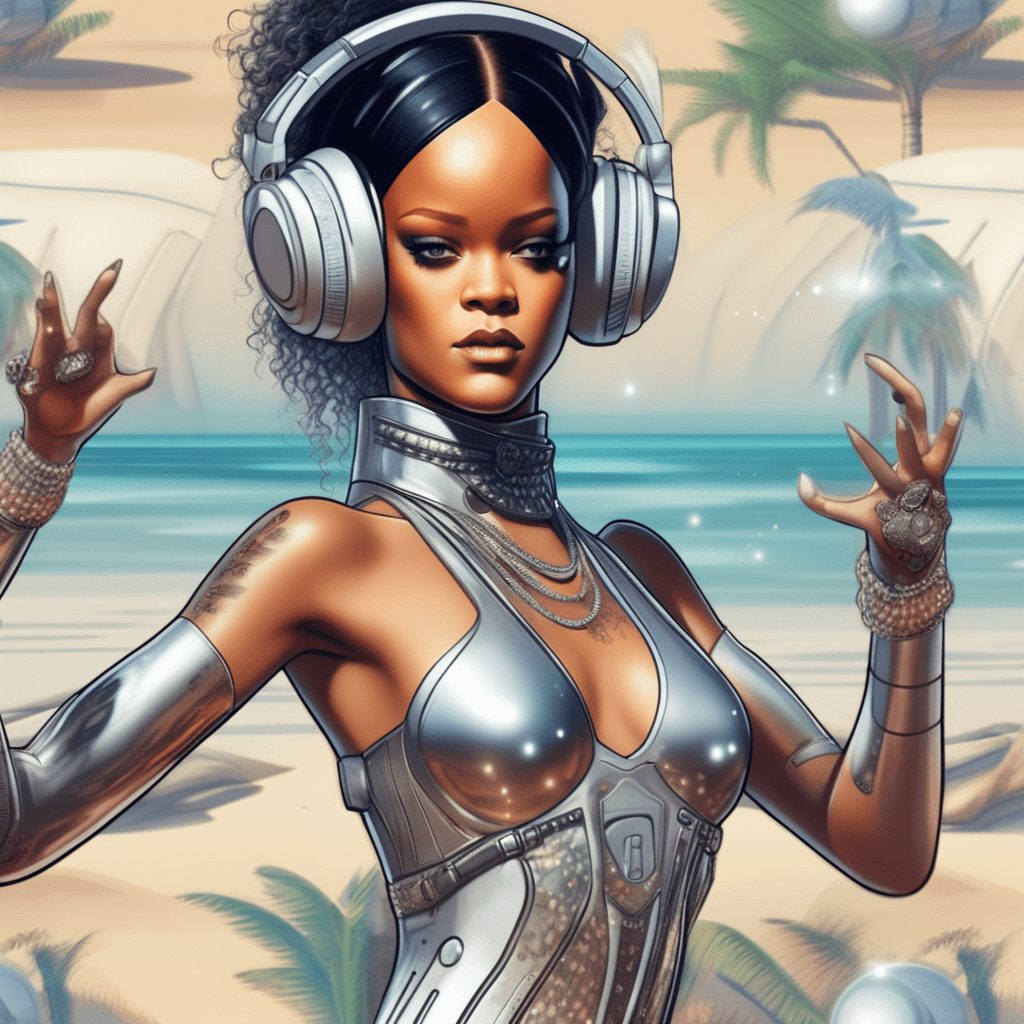
AI Art Prompt used:
Rihanna half android, dancing on a futuristic beach, extremely detailed
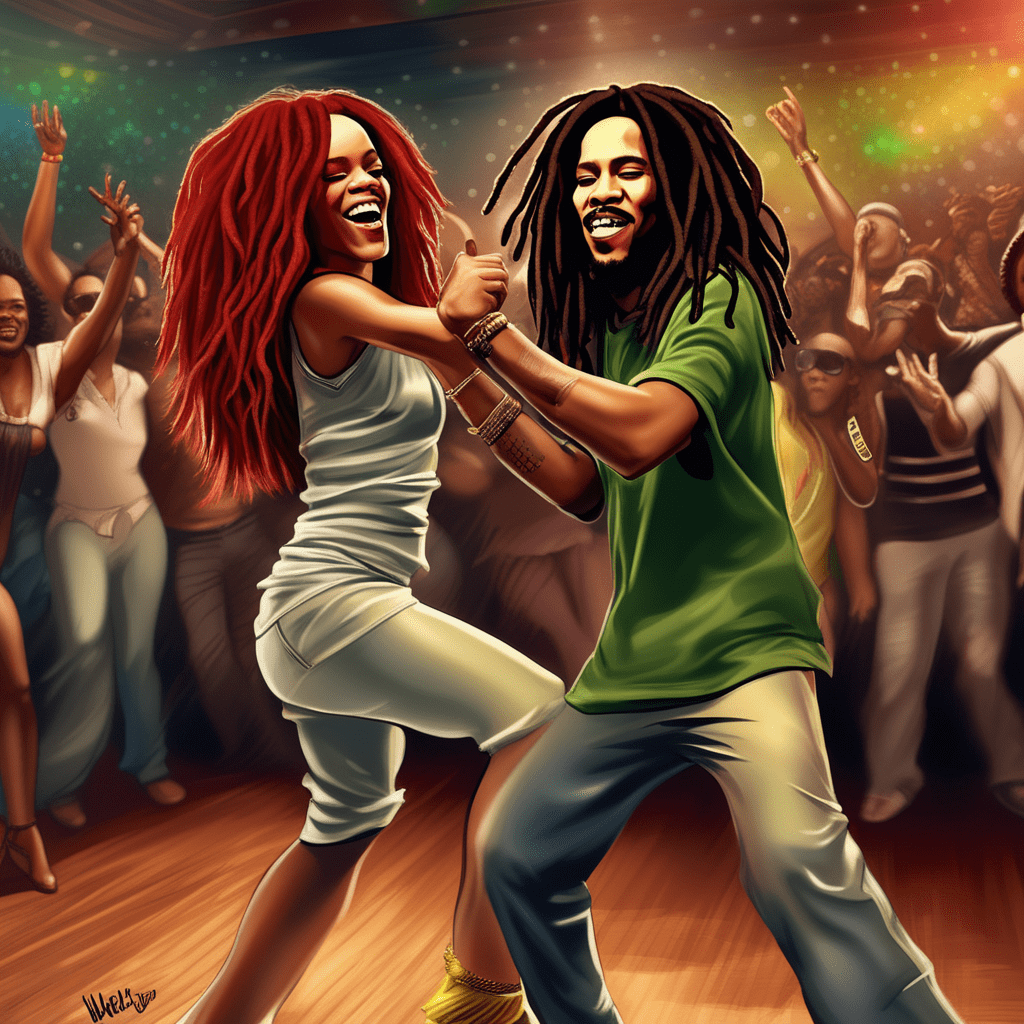
AI Art Prompt used:
Rihanna dancing with Bob Marley, extremely detailed digital art
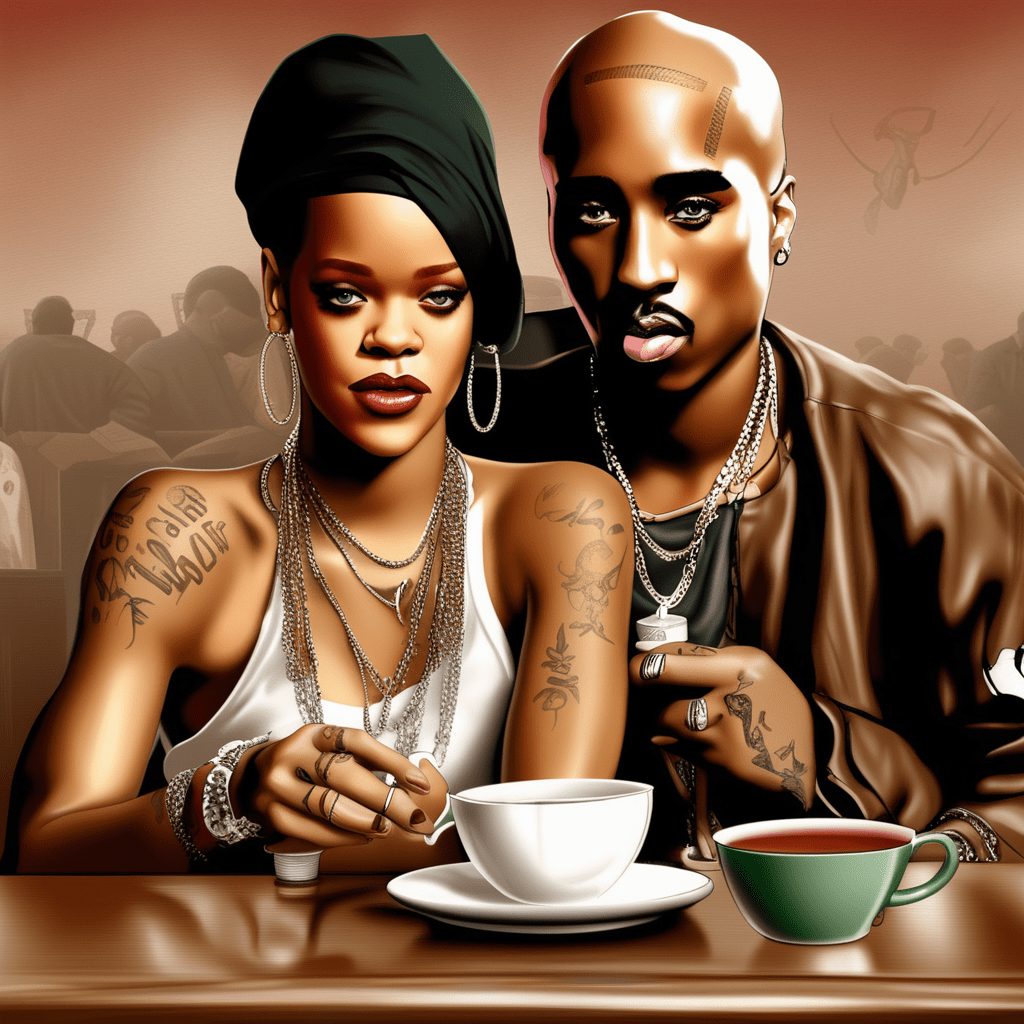
AI Art Prompt used:
Rihanna drinking tea with Tupac, extremely detailed digital art
Top AI Text To Image Generators
Now let’s have a look at some of the best AI-Powered Text To Image Generators so you can create your own AI Art.
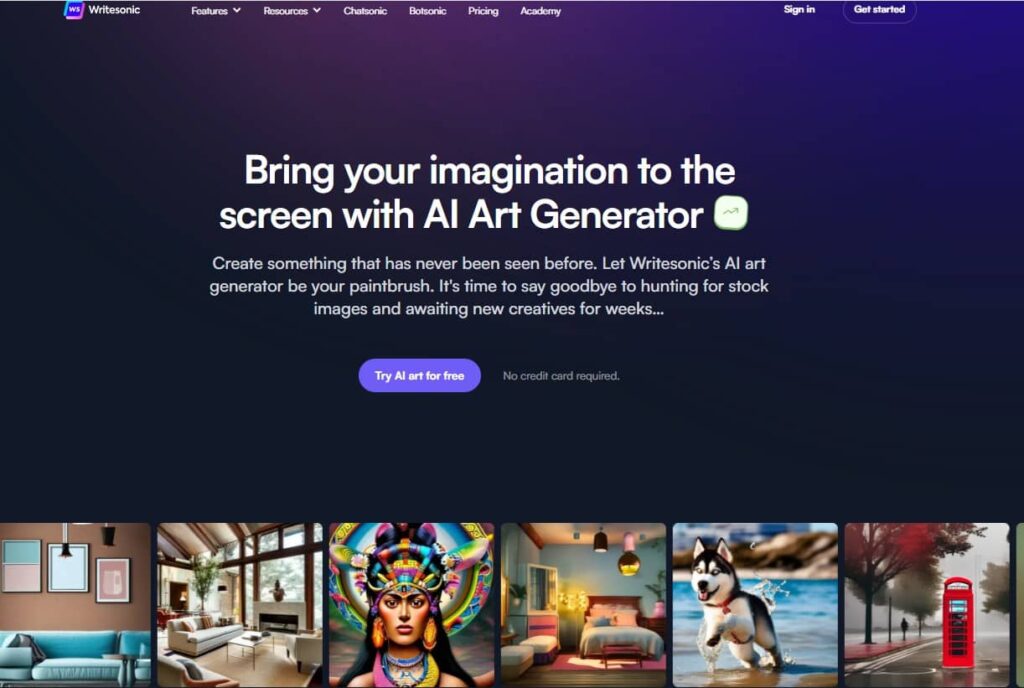
1. Writersonic / Photosonic AI Text To Image Generator
Unleash your creativity on the screen with the AI Art Generator of Writersonic / Photosonic.
Design something completely unique and unprecedented. Let Writesonic’s AI art generator serve as your artistic tool, eliminating the need to search for stock images and wait for weeks to receive new creative assets. Embrace a new era of limitless possibilities in your artistic endeavors.
2. Hypotenuse AI Text To Image Generator
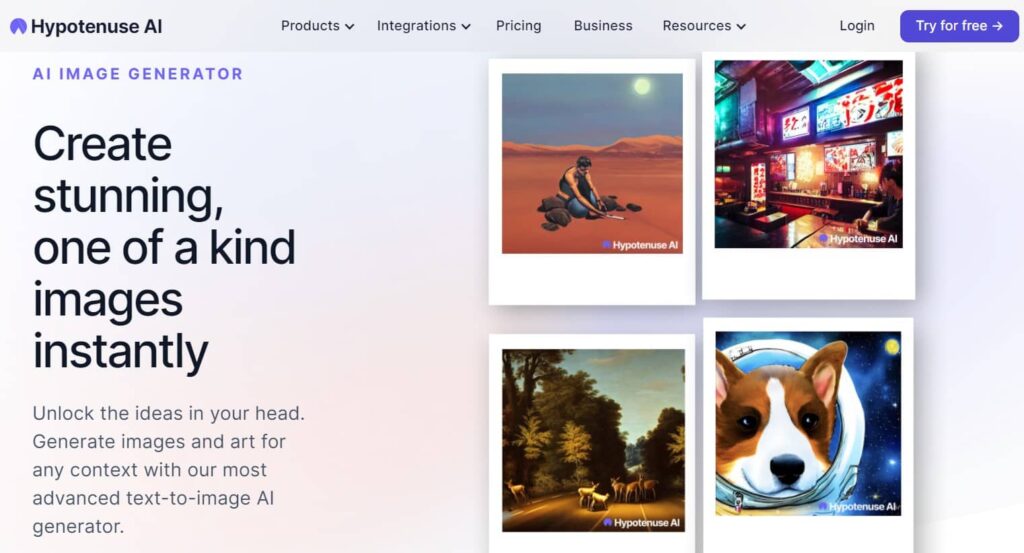
Produce breathtaking and entirely unique images in an instant with Hypotenuse AI’s Text To Image Generator.
Unleash the creativity from and effortlessly generate images and art for any situation using our state-of-the-art text-to-image AI generator.
3. ArtSmart AI Text To Image Generator
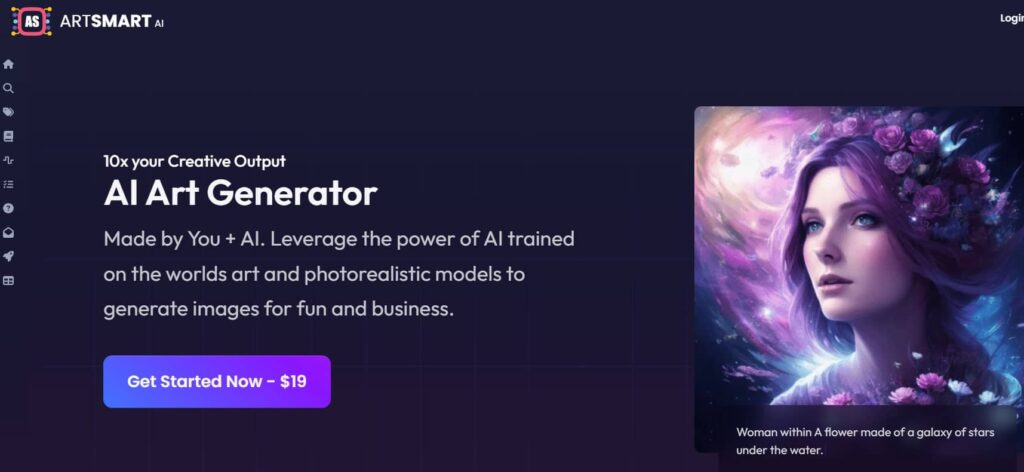
ArtSmart is a great AI Art maker based on Text-To-Image Technology, but you can do more than just creating breathtaking images from your text input. Here’s a list of features they have at the moment and they’re working hard on improving and adding new features:
- Text to Image
- Image to Image
- Image to Prompt
- Inpainting
- Outpainting
- Face Enhance
- Image Upscaler
- Background Remover
- Pose Copycat
- Pose Perfect
ArtSmart AI does not offer a free trial but they do have a 30-day money-back guarantee.
What are AI Powered Text To Image Generators?
AI text-to-image generators are advanced artificial intelligence models designed to create images based on textual descriptions or prompts. These models use deep learning techniques, particularly in the field of computer vision, to understand natural language input and translate it into corresponding visual representations. The goal is to enable machines to generate images that match the content described in the given text.
The process of AI text-to-image generation involves several steps:
1. Input text: The user provides a textual description or prompt, specifying what kind of image they want the AI model to generate. The text can be a simple sentence, a paragraph, or even a more complex narrative.
2. Text understanding: The AI model processes the input text using natural language processing (NLP) algorithms to extract meaning, context, and relevant information.
3. Image synthesis: Based on the understanding of the input text, the AI model generates an image that corresponds to the given description. This process typically involves a combination of NLP and computer vision techniques.
4. Fine-tuning (optional): Some AI text-to-image generators can be fine-tuned using additional datasets or user feedback to improve the quality and relevance of the generated images.
5. Output: The generated image is presented to the user, visualizing the content described in the initial text input.
AI text-to-image generators have various applications, including creative content creation, concept visualization, augmented reality, virtual reality, assistive technology for individuals with visual impairments, and more. These models have seen significant advancements over the years, producing increasingly realistic and contextually relevant images. However, it’s essential to note that they may sometimes generate images that are inconsistent or nonsensical, especially when the input text is ambiguous or complex. Ongoing research and development in this field aim to further enhance the capabilities of AI text-to-image generators.
More AI Text-To-Image Examples
- Ariana Grande AI Art Text-To-Image Examples
- Rihanna AI Art Text-To-Image Examples
- Kim Kardashian AI Art Text-To-Image Examples
- Miley Cyrus AI Art Text-To-Image Examples
- Nicki Minaj AI Art Text-To-Image Examples
- Beyonce AI Art Text-To-Image Examples
- Selena Gomez AI Art Text-To-Image Examples
- Landscapes AI Art Text-To-Image Examples
- Owls AI Art Text-To-Image Examples
GlobalOwls Empowers you to become the best version of yourself
Check out the following resources and Grow!