Owls AI Art – AI-Generated Text To Image Examples [+Free AI Tools]
Are you looking to make the best use of AI-Powered Text To Image Generators? Check out Owls AI Art Generated with AI Tools. Create your own AI Art. Start for free today.
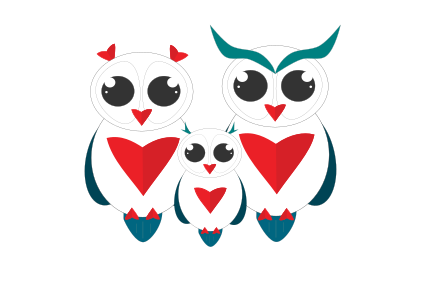
Let’s explore the process of producing stunning AI-generated images with a few sample prompts, These examples feature Owls AI Art.
Use these techniques to create awesome-looking AI Images for your next AI Art projects.
Chapters
Here’s how AI Text to Image Generators Work [Video Tutorial]
Owls AI Art – AI-Generated Text To Image Examples
Now let’s have a look at examples of Owls Images Generated by AI. Be sure to check out the AI tools below and create your own Owls AI Art.

AI Art Prompt used:
A strong Owl with a horns, extremely detailed, beautiful, in the style of Aaron Jasinski
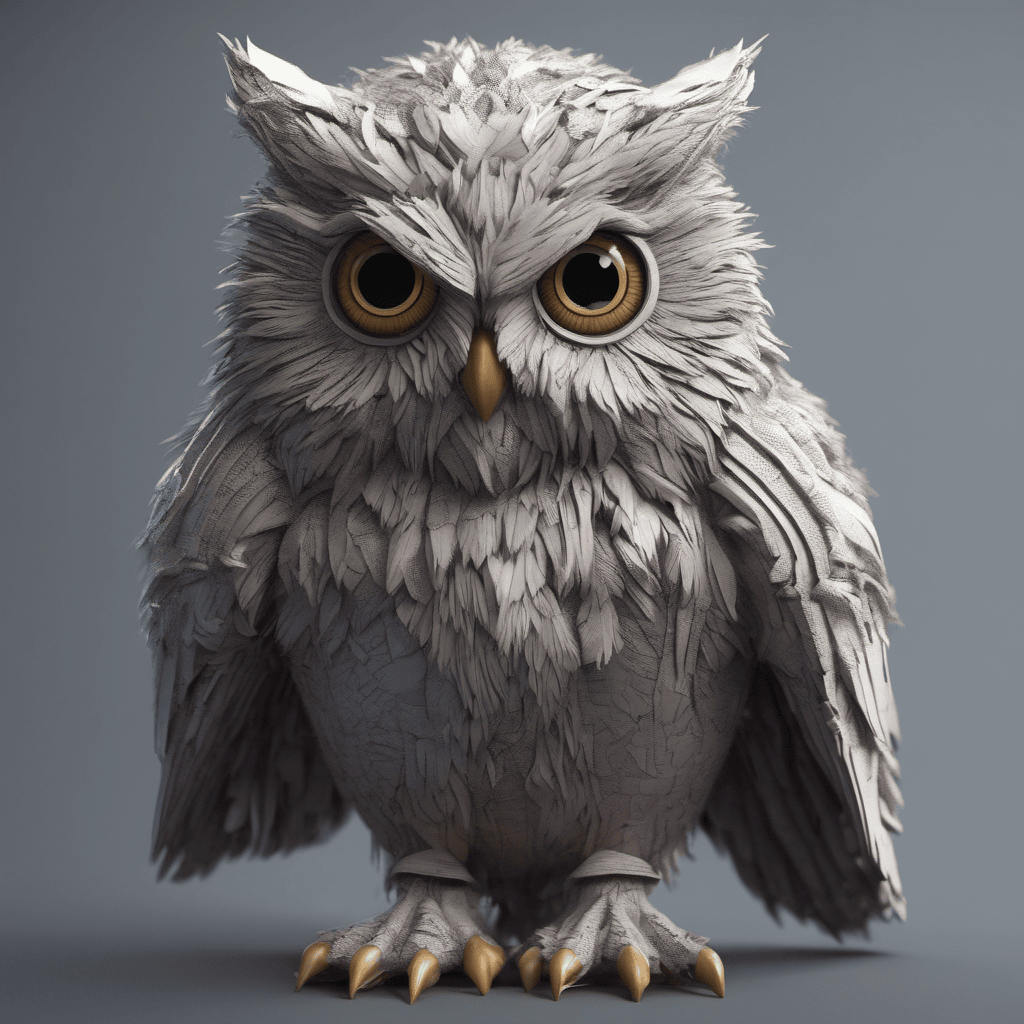
AI Art Prompt used:
A strong Owl furry extremely detailed beautiful in the style of Adam Martinakis
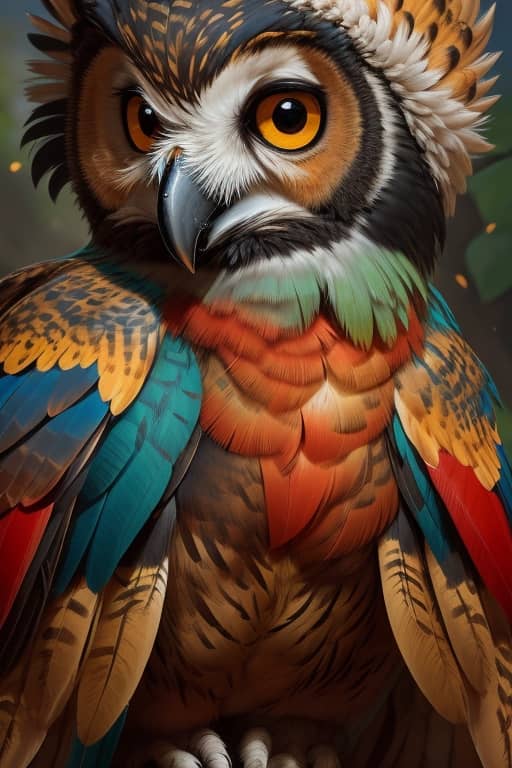
AI Art Prompt used:
A strong Owl with a tucan beak extremely detailed beautiful, in the style of Aaron Jasinski
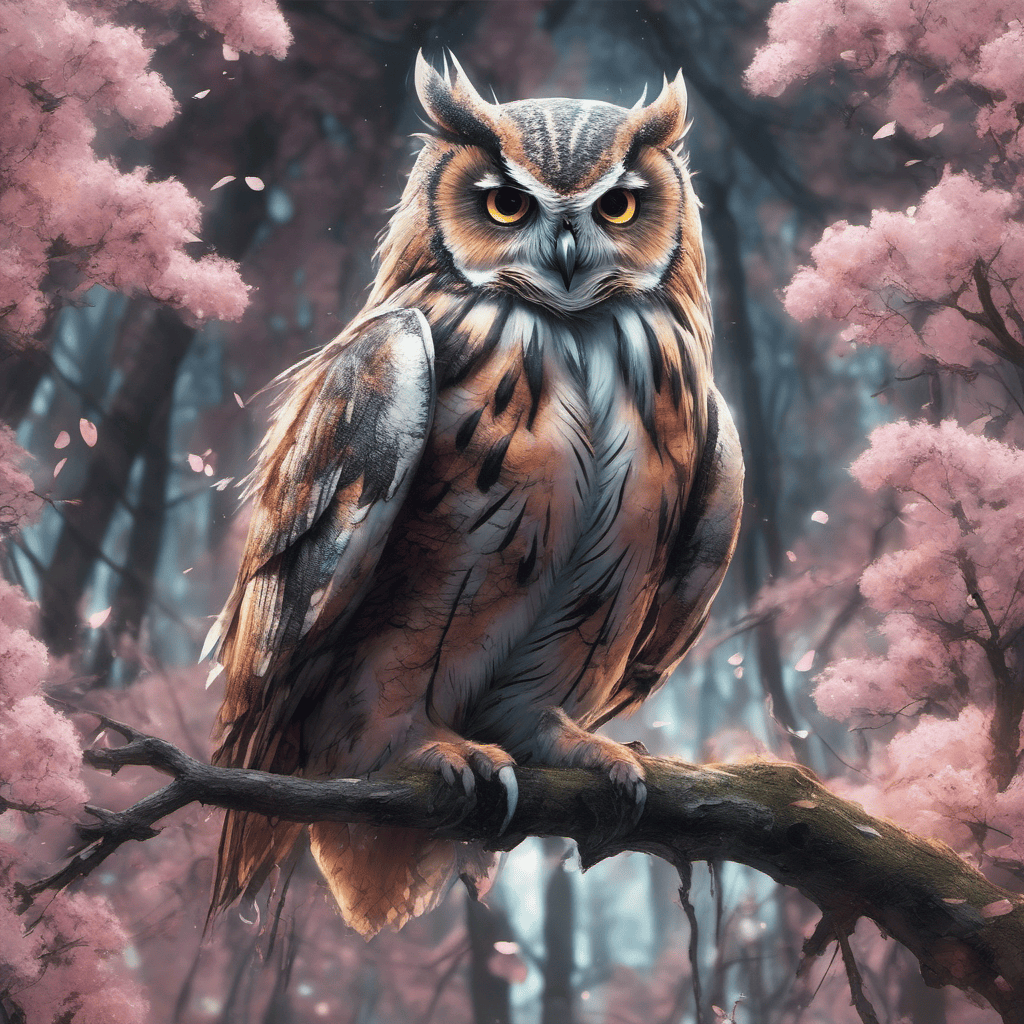
AI Art Prompt used:
A strong Owl, furry, extremely detailed, beautiful, in the style of Aleksi Briclot, hyper realistic, in a forest, around sakura trees, Cyberpunk theme
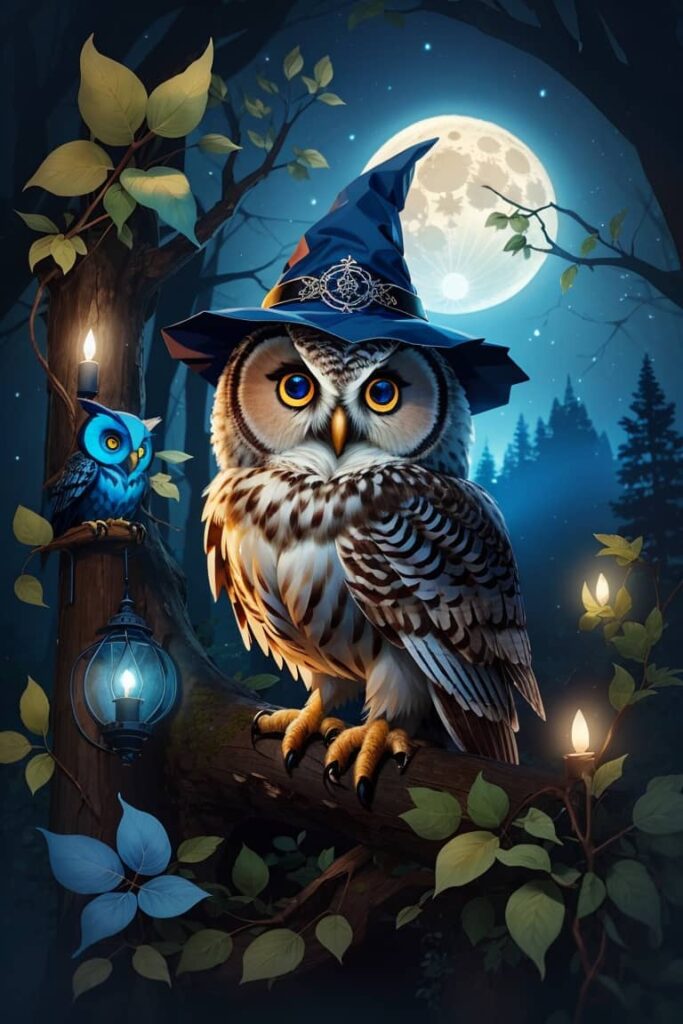
AI Art Prompt used:
Cute Owl Sticker Blue Background At Night But Bright Cute Witch Hat
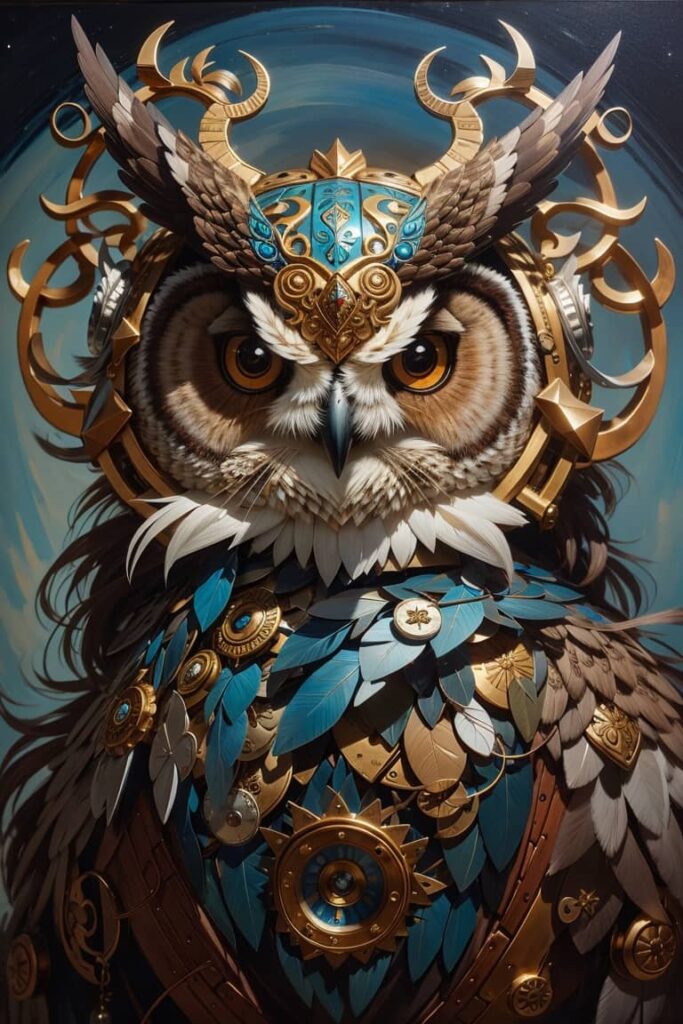
AI Art Prompt used:
A strong Owl with horns extremely detailed beautiful, in the style of Aaron Jasinski
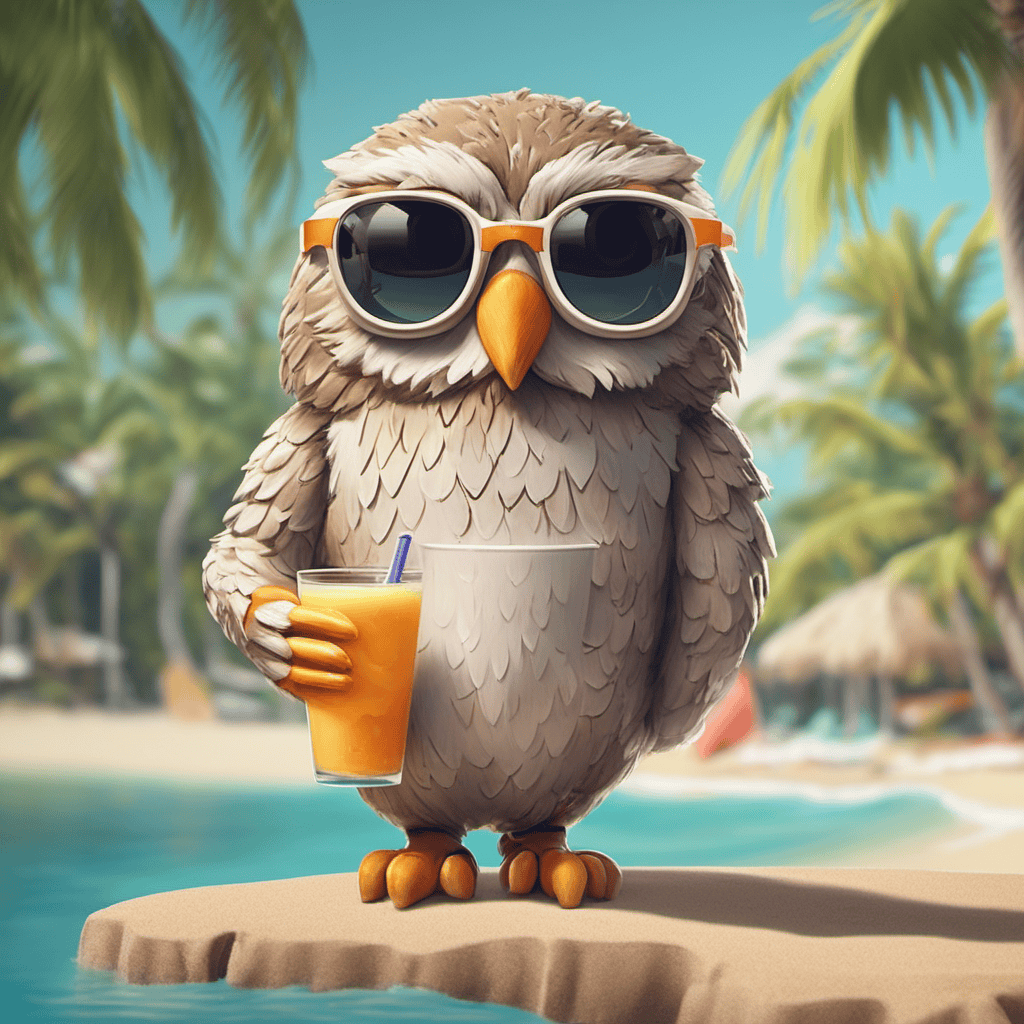
AI Art Prompt used:
Create an AI-generated owl on vacation! Picture a laid-back owl wearing sunglasses, sipping a tiny coconut drink by the beach. 🕶️🍹 Let AI add some humor and a touch of paradise to our feathered friend’s vacation getaway!”
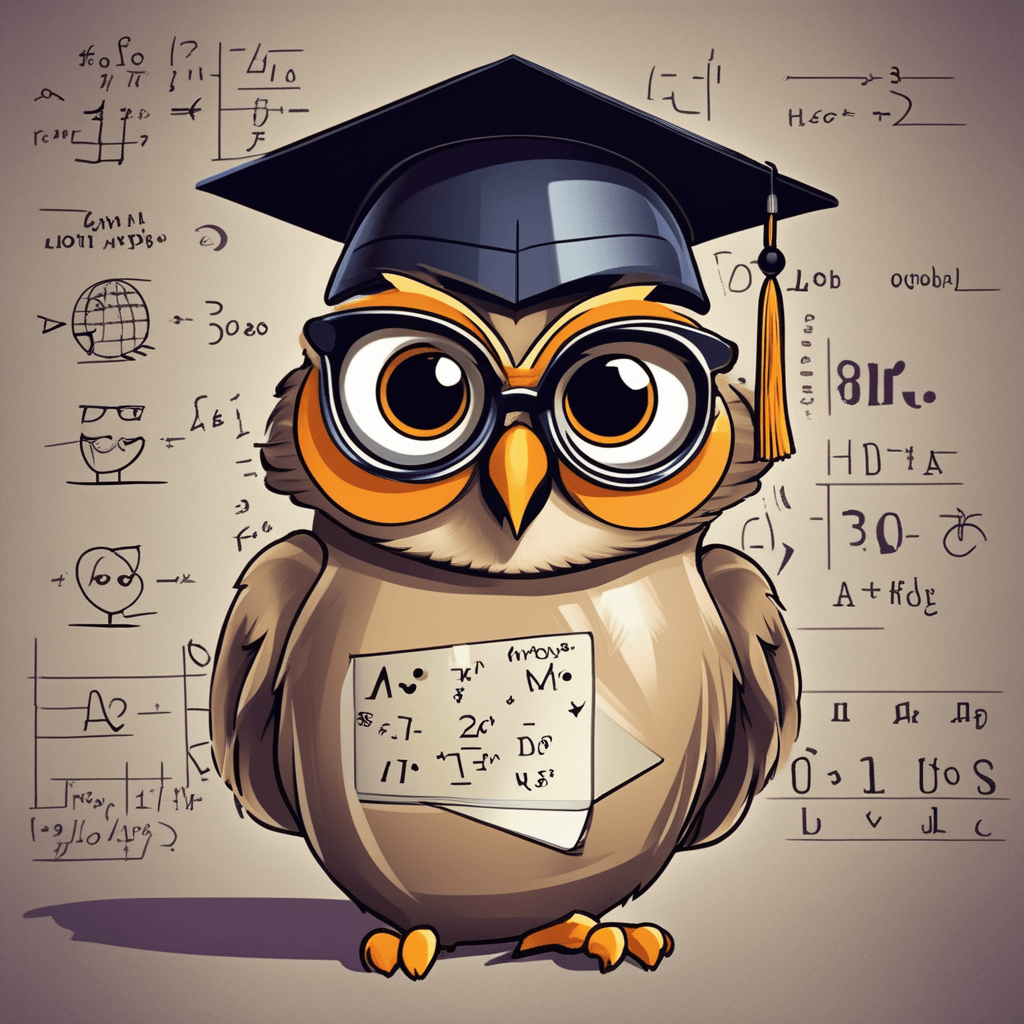
AI Art Prompt used:
Design the quirkiest owl professor! Envision an owl in a graduation cap, holding a chalkboard with funny equations like ‘Hoot + Hoot = Hilarity’! 🎓🦉 Let AI add some scholarly charm and humor to this wise old bird!
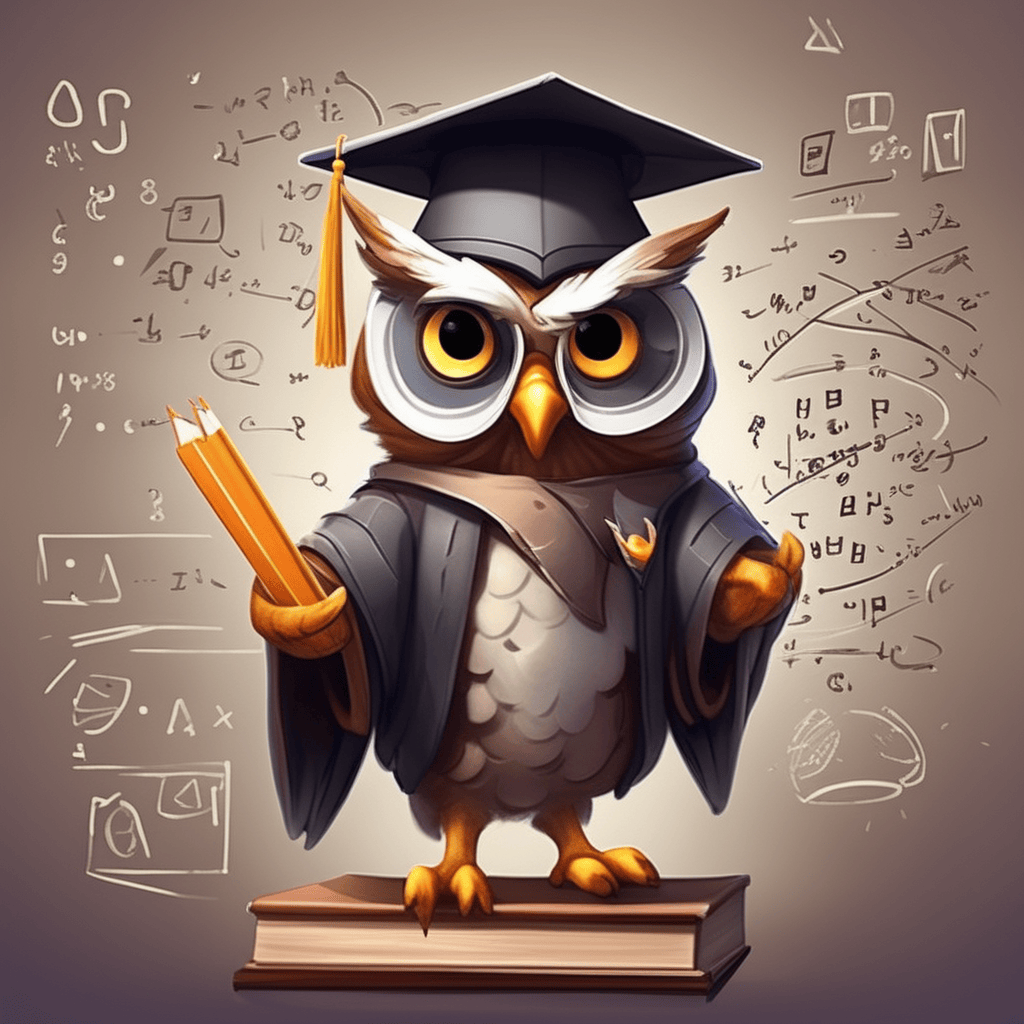
AI Art Prompt used:
Design the quirkiest owl professor! Envision an owl in a graduation cap, holding a chalkboard with funny equations like ‘Hoot + Hoot = Hilarity’! 🎓🦉 Let AI add some scholarly charm and humor to this wise old bird, style of Aleksi Briclot
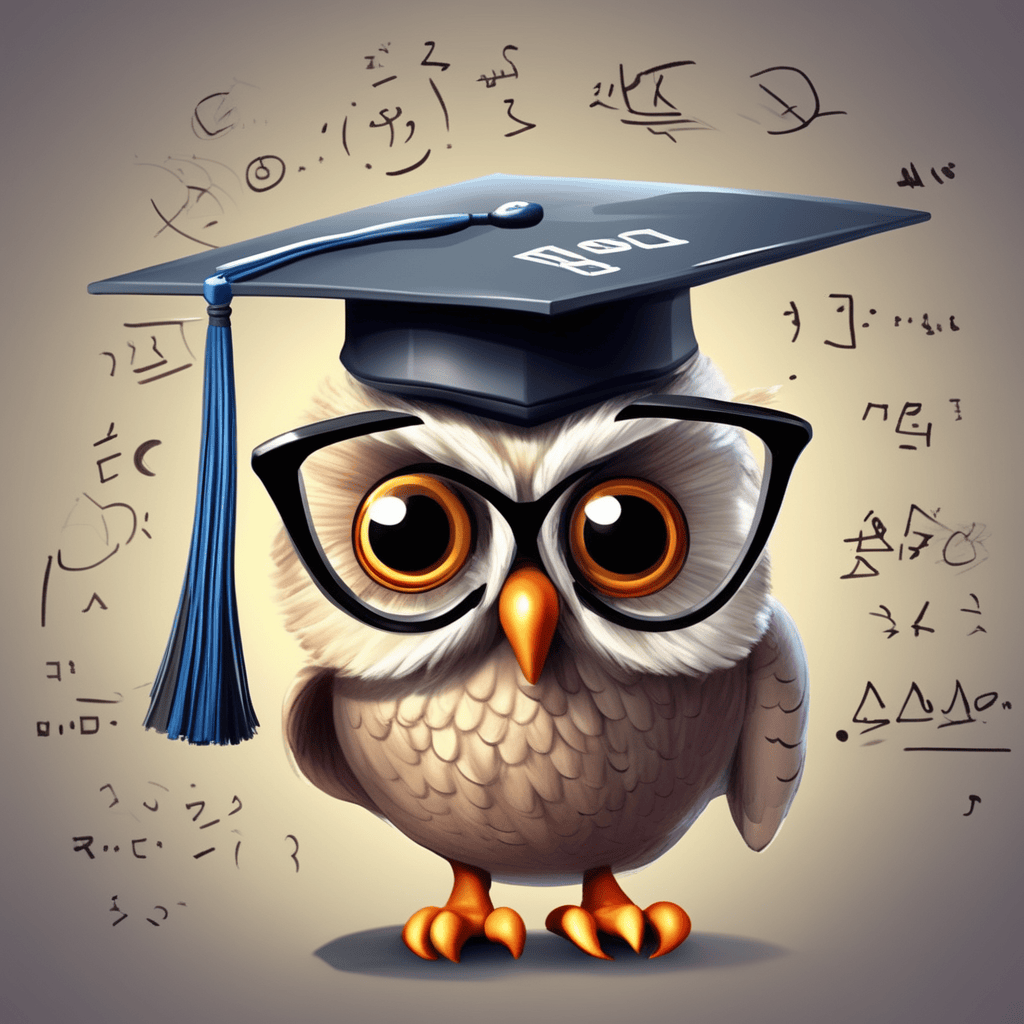
AI Art Prompt used:
Design the quirkiest owl professor! Envision an owl in a graduation cap, holding a chalkboard with funny equations like ‘Hoot + Hoot = Hilarity’! 🎓🦉 Let AI add some scholarly charm and humor to this wise old bird, style of Aleksi Briclot
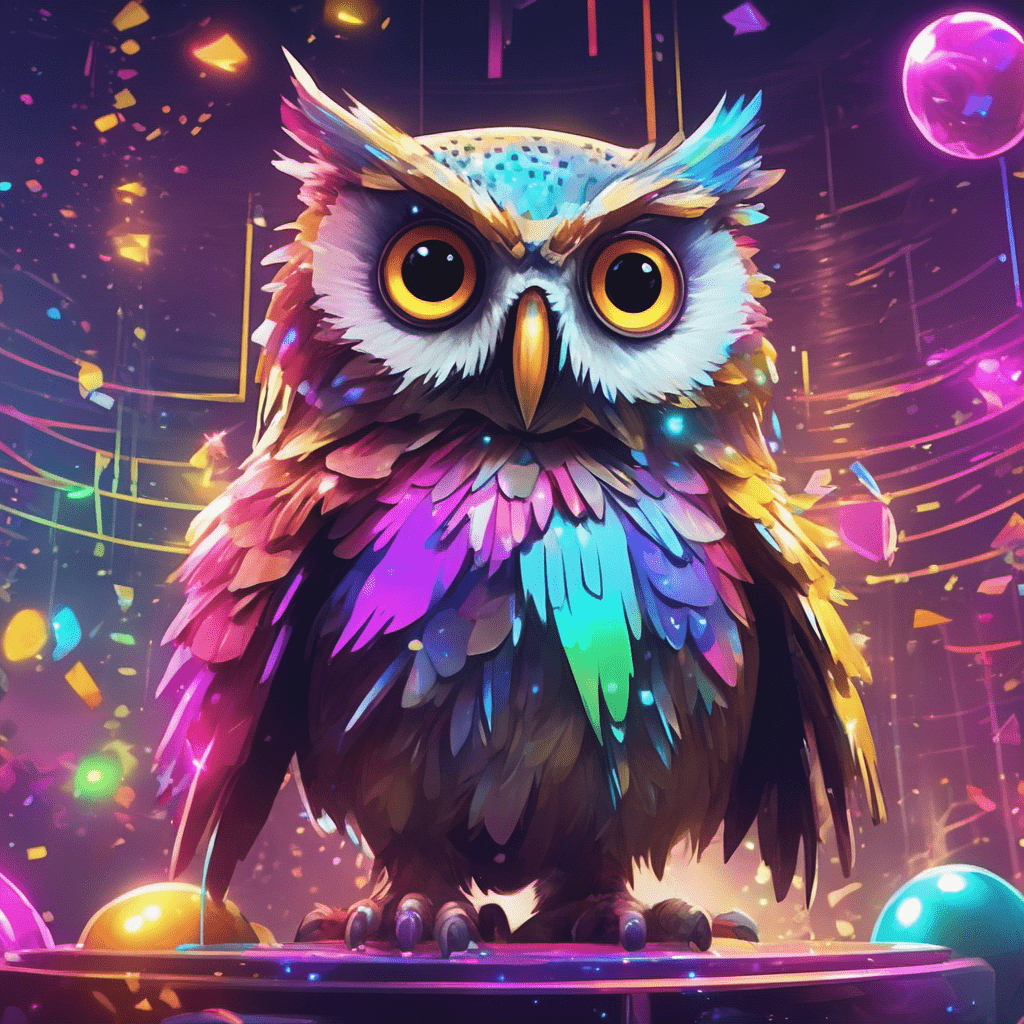
AI Art Prompt used:
Craft an owl disco party! Imagine an AI-generated owl rocking out on a glittering dance floor, surrounded by neon lights and a disco ball. 🕺🎉 Let the AI-powered fun begin with this groovy and hilarious owl extravaganza, style of Aleksi Briclot
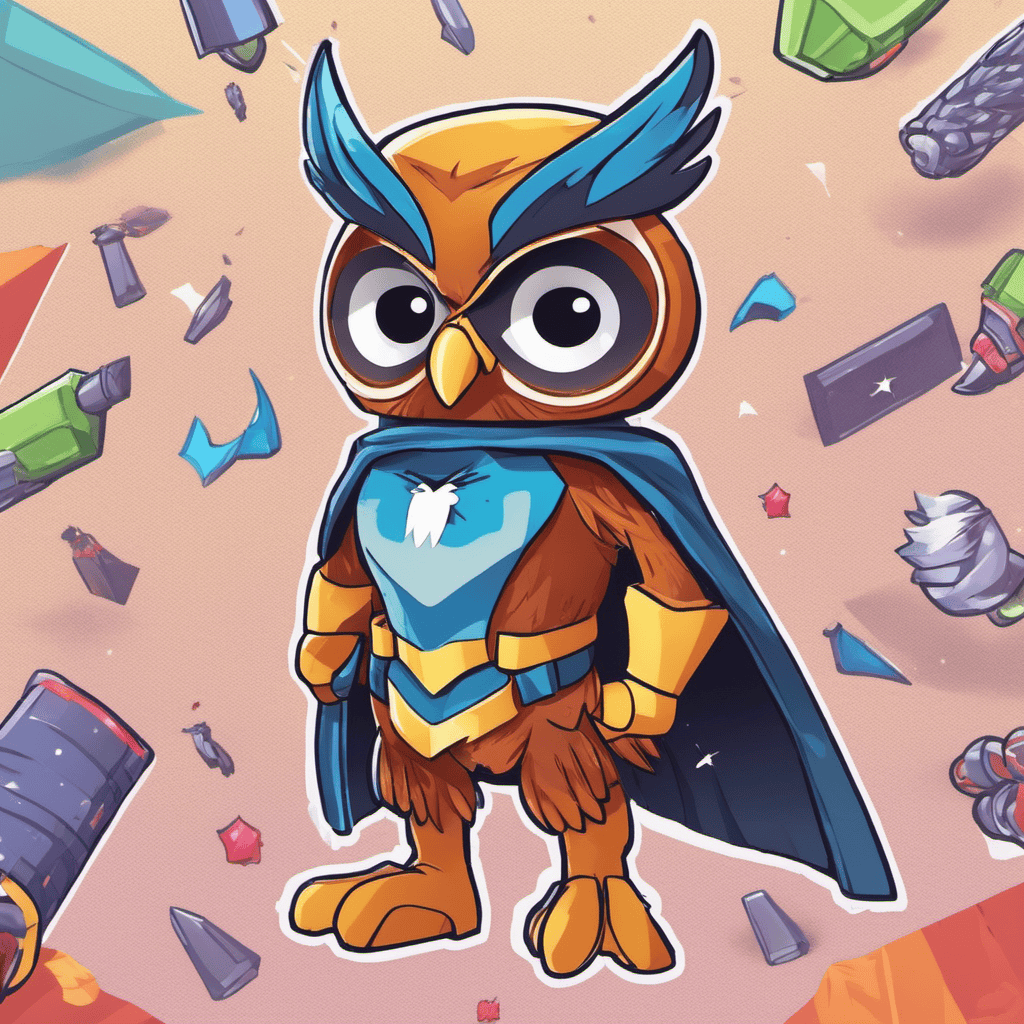
AI Art Prompt used:
Create an owl superhero! Unleash the AI magic and transform our feathery friend into ‘Captain Hoot’ – a comically heroic owl with a flashy cape, ready to save the day with hilarious owl-themed powers! 🦸♂️🦉
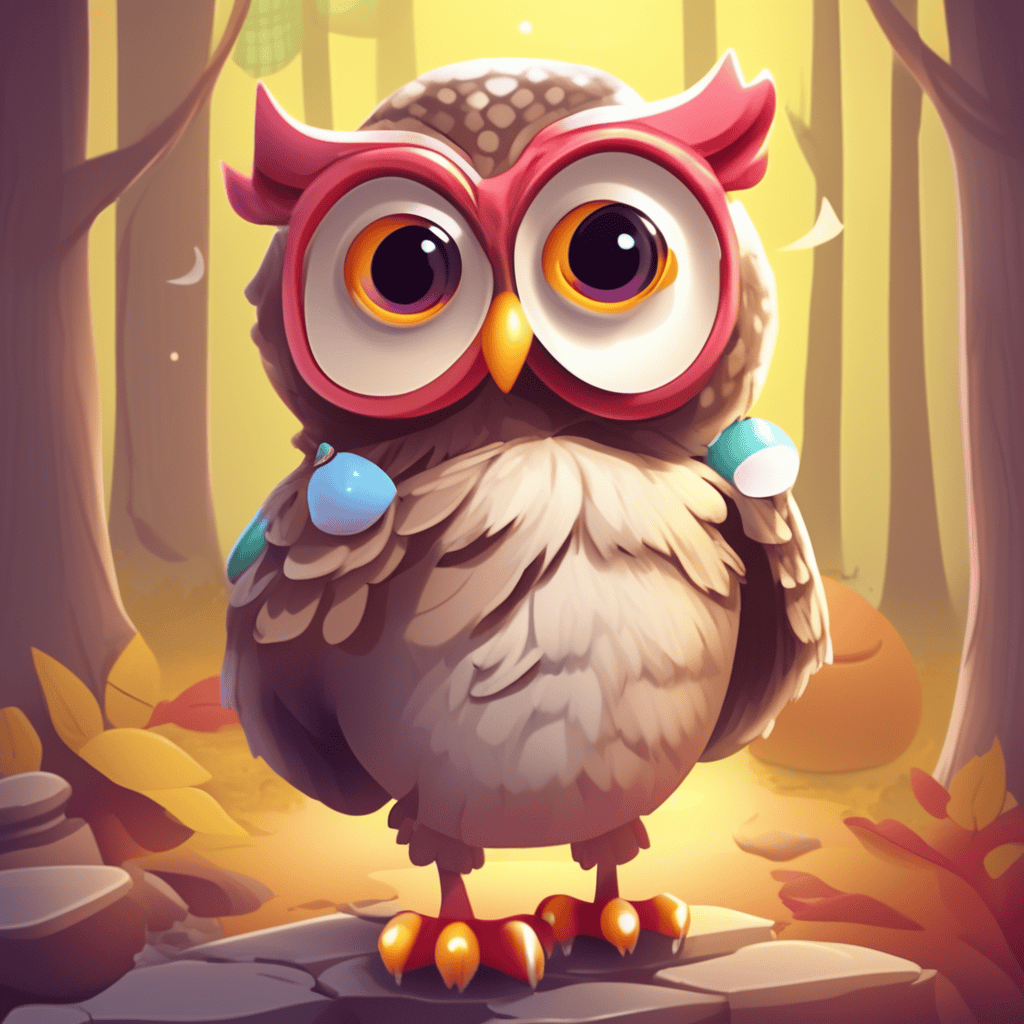
AI Prompt used:
Design a mischievous prankster owl! Picture an AI-generated owl with a sly grin, holding a whoopee cushion or playing a funny trick on its woodland pals. 😄🎈 Let AI infuse some playful antics into this hilarious owl’s escapades!
Top AI Text To Image Generators
Now let’s have a look at some of the best AI-Powered Text To Image Generators so you can create your own AI Art.
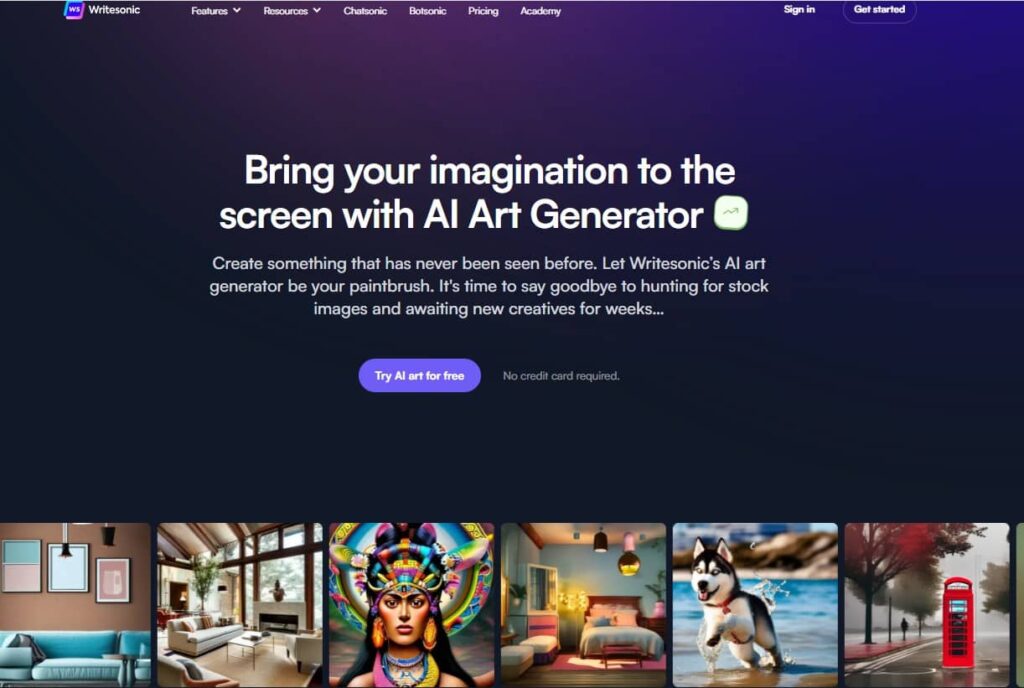
1. Writersonic / Photosonic AI Text To Image Generator
Unleash your creativity on the screen with the AI Art Generator of Writersonic / Photosonic.
Design something completely unique and unprecedented. Let Writesonic’s AI art generator serve as your artistic tool, eliminating the need to search for stock images and wait for weeks to receive new creative assets. Embrace a new era of limitless possibilities in your artistic endeavors.
2. Hypotenuse AI Text To Image Generator
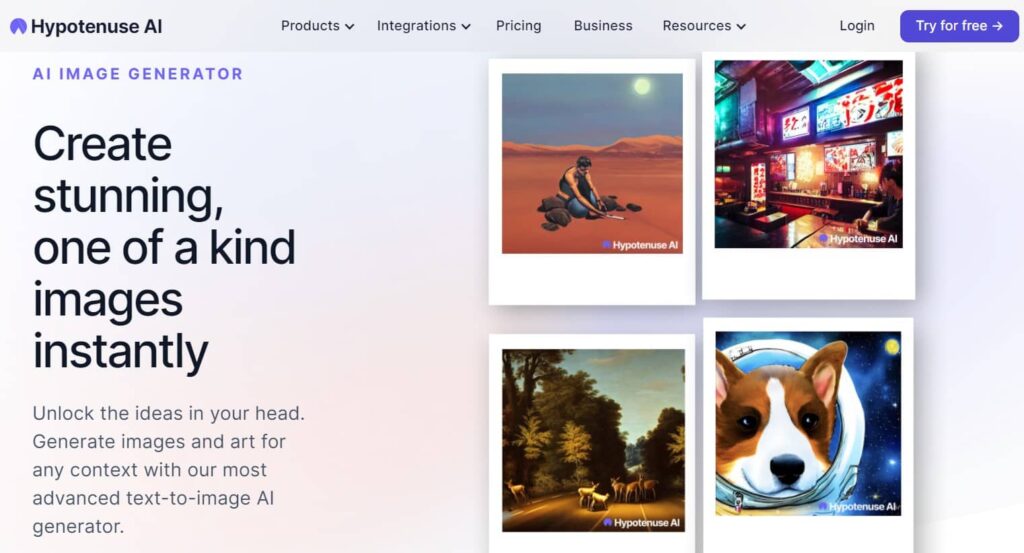
Produce breathtaking and entirely unique images in an instant with Hypotenuse AI’s Text To Image Generator.
Unleash the creativity from and effortlessly generate images and art for any situation using our state-of-the-art text-to-image AI generator.
3. ArtSmart AI Text To Image Generator
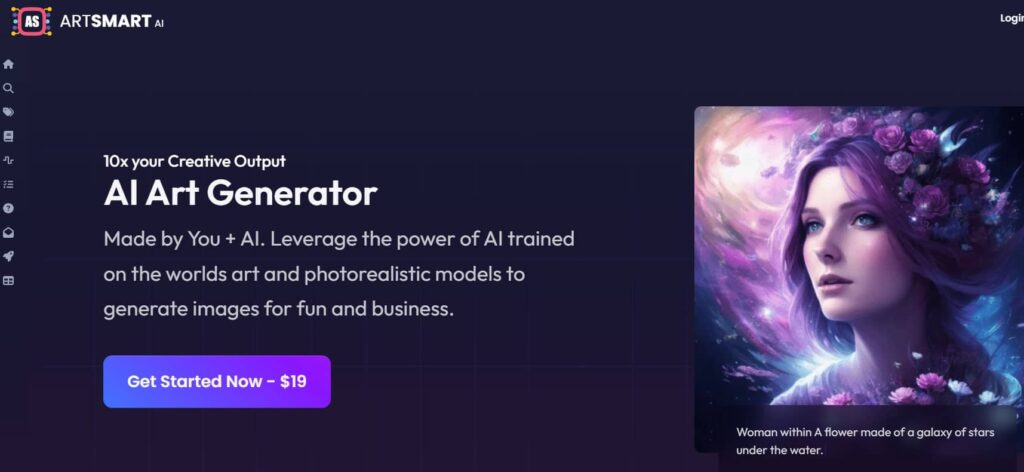
ArtSmart is a great AI Art maker based on Text-To-Image Technology, but you can do more than just creating breathtaking images from your text input. Here’s a list of features they have at the moment and they’re working hard on improving and adding new features:
- Text to Image
- Image to Image
- Image to Prompt
- Inpainting
- Outpainting
- Face Enhance
- Image Upscaler
- Background Remover
- Pose Copycat
- Pose Perfect
ArtSmart AI does not offer a free trial but they do have a 30-day money-back guarantee.
What are AI Powered Text To Image Generators?
AI text-to-image generators are advanced artificial intelligence models that aim to transform textual descriptions or prompts into corresponding visual depictions. These sophisticated systems leverage a combination of natural language processing (NLP) and computer vision techniques to craft images based on the provided text, allowing machines to comprehend and translate human language into visual content.
Here is a general overview of how AI text-to-image generators typically operate:
- Input text: Users furnish a textual description or prompt, specifying the desired image they wish to generate, ranging from simple sentences to more intricate narratives.
- Text embedding: The input text undergoes a conversion into a numerical representation known as an embedding. This embedding encapsulates the meaning and context of the text in a format that the AI model can process.
- Image generation: The AI model takes the text embedding as input and generates an image corresponding to the given text description. This process involves complex computations and transformations based on the model’s training data.
- Fine-tuning (optional): Some AI text-to-image generators may undergo further fine-tuning using additional datasets to enhance the quality and relevance of the images produced.
- Output: The resulting image is then presented to the user, visually portraying the content described in the initial text input.
AI text-to-image generators rely on deep learning techniques, particularly in the field of computer vision, to accomplish this conversion from text to images. These models have made significant advancements, generating increasingly lifelike and contextually meaningful images.
The applications of AI text-to-image generators are diverse and encompass creative tools for artists and designers, content creation for articles and presentations, integration into augmented reality and virtual reality systems, as well as aiding individuals with visual impairments by providing textual descriptions of images or converting such descriptions into accessible visual representations.
More AI Text-To-Image Examples
- Ariana Grande AI Art Text-To-Image Examples
- Rihanna AI Art Text-To-Image Examples
- Kim Kardashian AI Art Text-To-Image Examples
- Miley Cyrus AI Art Text-To-Image Examples
- Nicki Minaj AI Art Text-To-Image Examples
- Beyonce AI Art Text-To-Image Examples
- Selena Gomez AI Art Text-To-Image Examples
- Landscapes AI Art Text-To-Image Examples
- Owls AI Art Text-To-Image Examples
Create more and better content
Check out the following resources and Grow!