12 Best Tools for Seamless AI Avatar Creation in 2024
The magic of AI avatars goes far beyond creating digital representations of how we look.
It’s in how these avatars are designed to have conversations with full displays of emotions and undeniable impacts on our lives in the real world.
With the rise of remote work, social media, virtual gaming adventures, and online conferences across the world, the application of AI avatars especially for businesses in the areas of human resources, recruitment, education and language translation is rapidly increasing.
According to Market.us, the Global Digital Avatar Market in 2023 is valued at USD 19.7 Billion and it is projected to expand to USD 533.8 Billion by 2032. The market is estimated to experience a Compound Annual Growth Rate (CAGR) of 45.8% during this period.
In this article, we will examine softwares you can use to achieve seamless AI avatar creation in 2024.
Chapters
11 Best Tools for Seamless AI Avatar Creation
1. CapCut
Check out in the video below how you can create an AI Avatar with Capcut within minutes.
2. Synthesia:
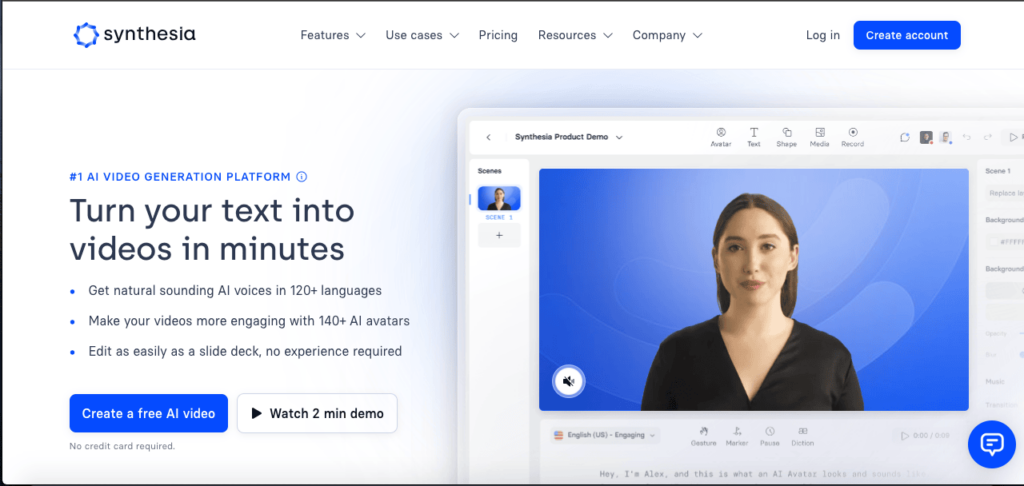
Designed to streamline the long and extremely stressful video creation process by automating human-like avatars that speak in over 120 languages, Synthesia is top of the AI avatar creators. You can simply add a script to Synthesia’s create an AI avatar processor with multiple characteristics, styles and customization video options.
Also, Synthesia AI algorithms align your avatar’s facial expressions, gestures and lip movements together with your scripts to create real-life videos with natural-looking movements and expressions.
Synthesia AI avatar video generator is perfect for corporate communications, e-learning, marketing and advertising, user onboarding, entertainment, and informational security. You also get to create videos while saving time, is cost-effective, customizable to your desires, and lets you access a global audience with multiple languages.
3. BasedLabs.ai AI Character Generator
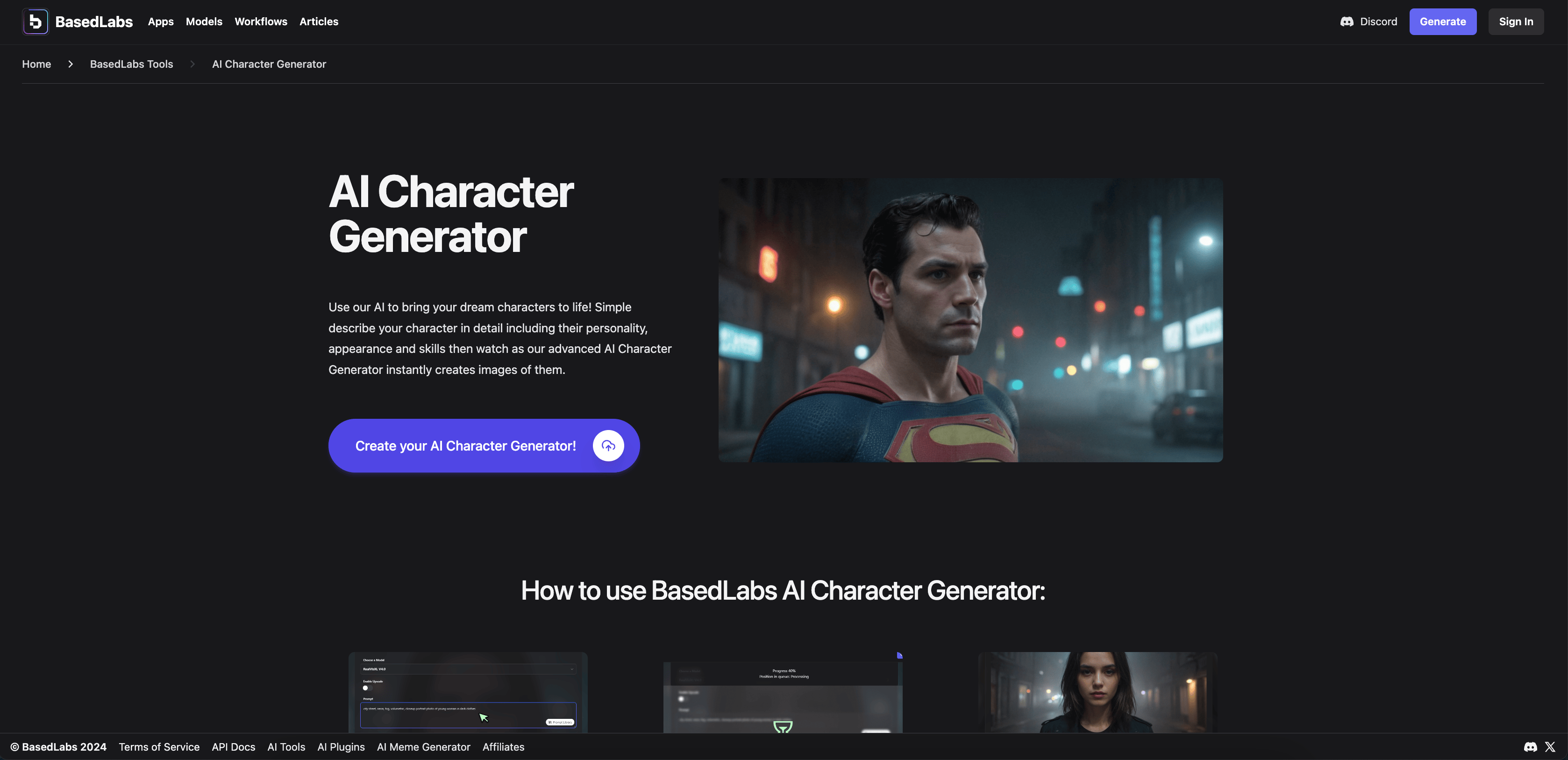
When it comes to creating seamless AI avatars, the AI Character Generator from BasedLabs.ai stands out as one of the best tools available in 2024. This tool allows users to generate a wide range of characters with customizable features, ensuring that each avatar is unique and tailored to specific needs. Whether you’re designing characters for games, animations, or virtual assistants, the AI Character Generator offers a user-friendly interface and powerful features to bring your creations to life.
4. HeyGen AI: In just 3 easy steps that involve – creating or choosing an avatar, recording or choosing a voice, and selecting a template or starting from scratch, HeyGen AI Video Generator allows you to create studio-quality AI-powered videos.
With multiple AI avatars that you can customize to suit your desired ethnicity, age, pose and clothes in multiple backgrounds such as home, or natural environment, you’ve got the freedom to create videos that are fun, engaging and high quality without the stress of traditional video creation. These AI-powered videos can be used for social media, presentations, education, sales outreach, content marketing and more.
5. Rephrase.ai: Created to help you turn text into video using generative AI technology by letting you pick your digital avatar that best suits your video storytelling, add your video script message, add background, visuals, music, text, icons and images to your video and render your video in a few minutes.
With rephrase.ai algorithms, you can create high-quality videos that are contextual, filled with your desired language nuances, and worded to bring your ideas into 3D. You can use Rephrase.ai video solutions to create videos for high-quality social media posts, education and research and also for content creation of products by e-commerce brands.
6. DeepBrain AI: Apart from saving you time and extreme costs from video production, DeepBrain AI helps you say bye to difficult-to-learn and master video editing tools, expensive equipment and props and coordination of human talent to create high-quality video content. In addition, your videos can reach global audiences and break language barriers with access to over 80+ text-to-speech languages and 100+ natural-sounding voices.
With over 100 stock AI avatars that capture even the smallest details of facial features, expressions, accents, and intonations plus the integration of ChatGPT into DeepBrain AI text-to-video editor, you can produce multiple grammatically accurate videos with stunning graphics for any video project.
7. BHuman AI Studio: BHuman AI Studio has a cutting-edge AI supported by 50+ languages, trusted by 130k innovators and used in multiple industries like sales, marketing, e-commerce, hospitality, automotive, real estate, software, HR, customer support, healthcare, fitness and health, politics, finance and non-profit.
With integrations to over 6,000 applications, you can now clone yourself, and create personalized sales videos by recording your template, connecting your data and sending your videos. For e-commerce business brands with personal connections between founders and consumers, BHuman AI studio human cloning models allow you to quickly create video content that contains the real-life emotional feelings of human conversations.
8. Lumen5: Designed to be a quick and easy video creation platform, Lumen5 uses AI to turn text content into fun and engaging video presentations for marketing, social media, and e-commerce brands.
Using text-to-video conversions, with an extensive media library filled with images, video clips, and music, customization options of styles, fonts, colors, social media integration and automation, Lumen5 lets anyone with any level of experience create high-quality videos from scratch.
With a simple drag-and-drop editor combined with a powerful AI to let you create high-quality video content that meets your various content needs within minutes.
9. DeepArt: With DeepArt.io, you can now use AI to apply artistic styles to digital photographs. Built on neural networks and deep learning algorithms, DeepArt allows you to digitally transform images into artworks inspired by famous artists or specific artistic styles.
By simply uploading your images onto the platform and choosing a specific artistic style or style of a particular artist, the neural network algorithms analyze the uploaded image and apply the chosen artistic style, creating a new, stylized version of the original image and you can proceed to download the new image and use it on social media or other digital platforms.
10. RunwayML: As a machine learning software platform for creative professionals, artists and developers, RunwayML is almost peerless. By providing a user-friendly interface and a variety of pre-trained models that cover video creation tasks such as image generation, style transfer, natural language processing and more.
RunwayML includes a model marketplace for users, a user-friendly interface for beginner users, real-time interactivity allowing for real-time adjustments, a wide range of models for objectives like image synthesis, text generation and object detection for users, and integration for multiple creative tools and frameworks.
11. Wombo AI: With Wombo AI, you can generate lip-synced animation based on images you upload on the application. The app is very popular for granting users a creative platform for entertaining and humorous short videos by animating facial expressions to match the music or audio.
You’ve only got to upload an image or selfie on the app, select a song or audio clip and the Wombo AI algorithms will analyze your input and create a short video with your animated face which you can share on social media.
12. Avatarify: Utilizing deep learning and computer vision techniques to animate still images, turning them into realistic and dynamic avatars, Avatarify is an amazing AI avatar creation software.
Commonly used for creating deep fake videos where a static image is animated to see like the person within the image is communicating or expressing emotions, Avatarify can be used for creating animated avatars and enhancing video conferencing experiences, especially within the 21st-century globalized workplace where remote work and meetings have become very popular.
Avatarify is an open-source project that utilizes deep learning and computer vision techniques to animate still images, turning them into realistic and dynamic avatars. It’s commonly used for creating deep fake videos where a static image is animated to appear as if the person in the image is speaking, moving, or expressing emotions.
Considerations for choosing an avatar creation app
Selecting an AI avatar creation tool to create AI-powered videos can be pretty daunting especially if you’re a beginner to video creation and editing.
Before you begin, you should consider:
- AI Capabilities: You want to look out for an AI avatar creation tool with powerful abilities. The more powerful the algorithms are, the better your avatar looks like. To do this, you can take a quick look at the avatars from the different AI avatar creators and choose the best. As AI continues to revolutionize digital representation, exploring tools like an AI-powered tattoo generator can add unique layers of personalization to avatars, enhancing their expression and impact.
- Style: You want to choose a tool that offers a variety of avatar design styles and effects such as facial hair, tattoos, jewelry, etc. You want the tool to give you a full range of control over your avatar style and feel.
- Emotional Expressions: Can the avatar creation tool create your avatar to convey a wide range of emotions? You want a tool that allows your avatar to display a full range of emotional states.
- Compatibility and Integrations: Integrations with other social media platforms, gaming and meeting apps are important for you to share your AI-powered videos with your friends and other target audiences.
- Customization: The more customization your chosen AI video generator allows, the better. Look out for AI avatar creators that allow you great control over your design. Your avatar, your rules!
- User-friendly: Even an experienced AI video creator won’t desire a highly complicated tool. The easier it is to use and understand, the better.
- Community: When choosing an AI creator tool, especially as a beginner, look out for tools with an active community where you can ask questions and receive answers from fellow video creators.
The power of AI creation apps
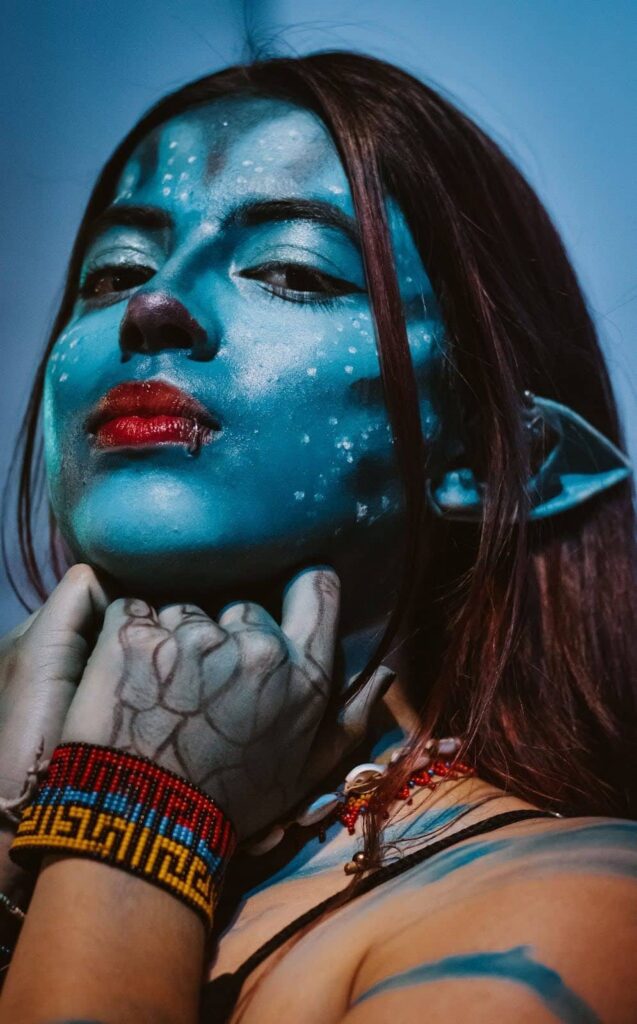
Without lights, cameras or actions, AI avatar tools allow and encourage anyone to explore and unleash creativity with videos.
This is especially true in the fast-moving 21st-century e-commerce industry, where marketers and business owners don’t have the time and budget to follow the traditional video-making route.
Of course, concerns about AI avatar creation tools exist including privacy and the potentially criminal use of these software to create deep fake videos for misinformation. But with more laws and structures coming into the industry, it’s possible for a world where AI technological innovations in video creation and ethical considerations can live in peace together.
Author’s Bio
 Isaac Adewumi is a dedicated storyteller with a relentless passion for crafting perfect words. His days are immersed in creating engaging, easy-to-understand copy to drive leads, user onboarding, and customer retention for B2B, B2C, and SaaS brands.
Under surveillance, you’d catch him deeply researching client briefs, pondering creative blog intros, and writing compelling articles and email copy.
Inspired by marketing legends like Chase Dimond, he immerses himself in endless marketing copy, poetry writing, solo chess sessions, and Fantasy Premier League videos—all accompanied by the soothing tones of slow classical music on Spotify.
You can connect with him on LinkedIn.
GlobalOwls Empowers you to become the best version of yourself
Check out the following resources and Grow!