Best AI Social Media Image Generator for Nonprofits [Start Free]

Free AI Social Media Image Generator

Social media is a visual space, and that creates pressure for nonprofit teams. You need images for campaigns, donor updates, awareness content, volunteer recruitment, event promotion, and day-to-day posting. The challenge is not only coming up with ideas. It is creating enough visuals to stay consistent without overwhelming your team.

That is where an AI Social Media Image Generator can help. AI tools can now generate images for blog posts, website pages, emails, and social posts, which makes them useful for nonprofit marketers who need more visual content without building every asset from scratch. HubSpot’s AI image tools specifically support image generation for social posts, while Hootsuite highlights the growing need for scalable content workflows across social channels.

For nonprofits, the biggest value is not just speed. It is having a practical way to create more visual starting points for fundraising, storytelling, education, and community engagement while still keeping the final content aligned with your mission and brand. Brand consistency matters because it helps people recognize and trust your organization across channels.

AI social media image generators have emerged as revolutionary tools, enabling users from all backgrounds—whether marketers, small business owners, or content creators—to produce stunning visuals with ease.

AI social media image generators utilize advanced artificial intelligence technologies to interpret text descriptions and convert them into compelling images that can capture audience attention instantly.

This article delves into how these AI social media image generators are changing the landscape of social media content creation.

Chapters

AI Social Media Image Generator [Video Tutorial]

What is an AI Social Media Image Generator
What is an AI Social Media Image Generator

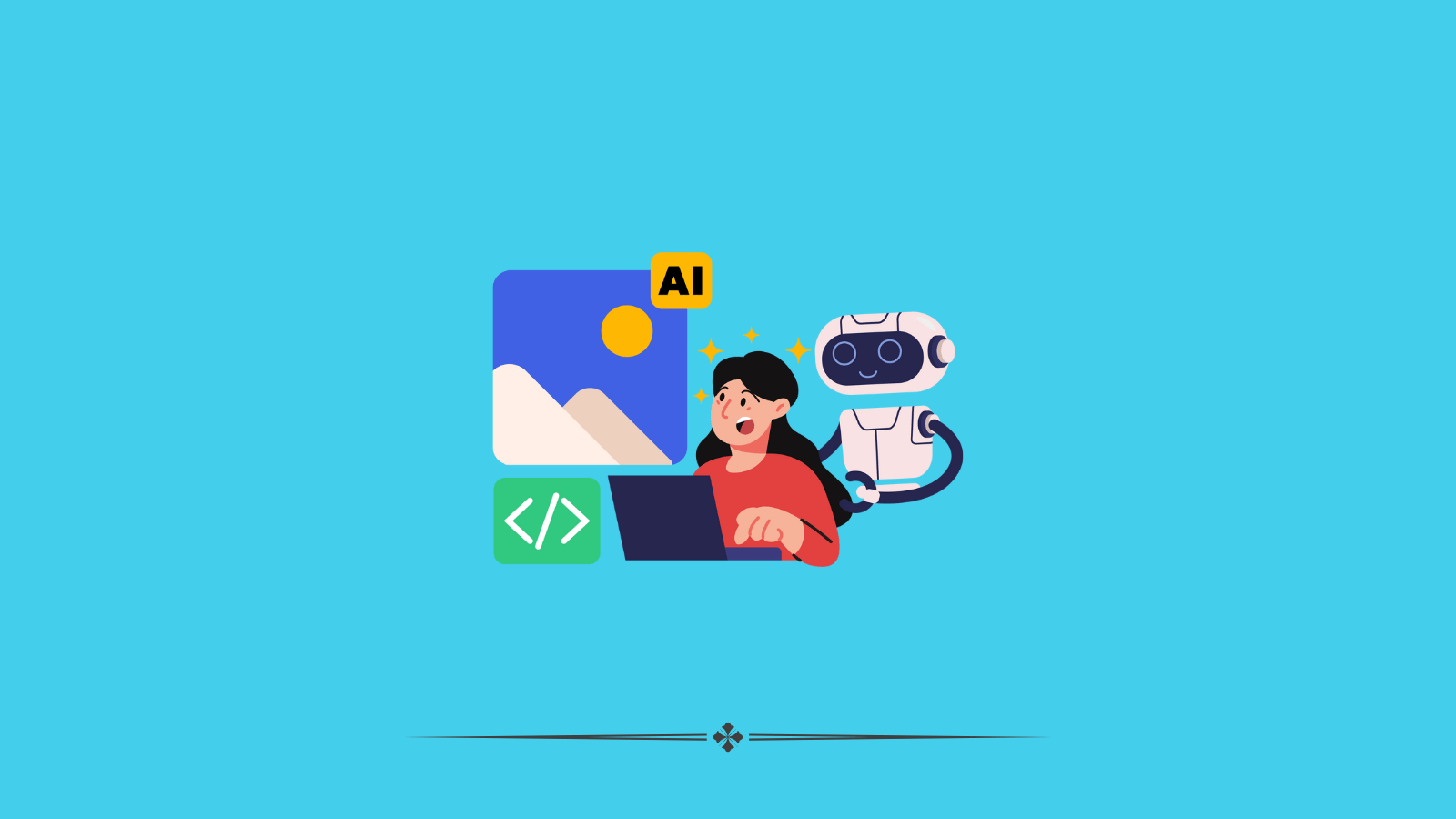
An AI social media image generator is a tool or software application that uses artificial intelligence to create or modify images for use on social media platforms. These generators typically leverage machine learning models, especially those trained on vast datasets of images and text, to produce visuals that are engaging, relevant, and tailored to specific content needs. Here’s a breakdown of what they generally offer:

Content Creation: AI image generators can produce entirely new images based on textual descriptions. For example, if you describe a scene or a concept, the AI can generate a corresponding image that matches your description.

Customization and Editing: These tools can also modify existing images, such as changing colors, adding elements, or altering styles to fit specific branding or aesthetic requirements.

Scalability: AI tools can generate multiple variations of an image quickly, allowing users to have a selection of options to choose from for their social media content.

Automation: They can automate part of the content creation process, saving time and effort for marketers, designers, and social media managers.

Accessibility: By simplifying the image creation process, these tools make it easier for individuals without professional design skills to create high-quality visuals.

AI social media image generators are increasingly popular among businesses and individuals for their efficiency and the professional quality of the images they can produce. They are used not only for promotional content but also for enhancing engagement through visually appealing posts.

Social Media Post Best Practices
Social Media Post Best Practices and how images help

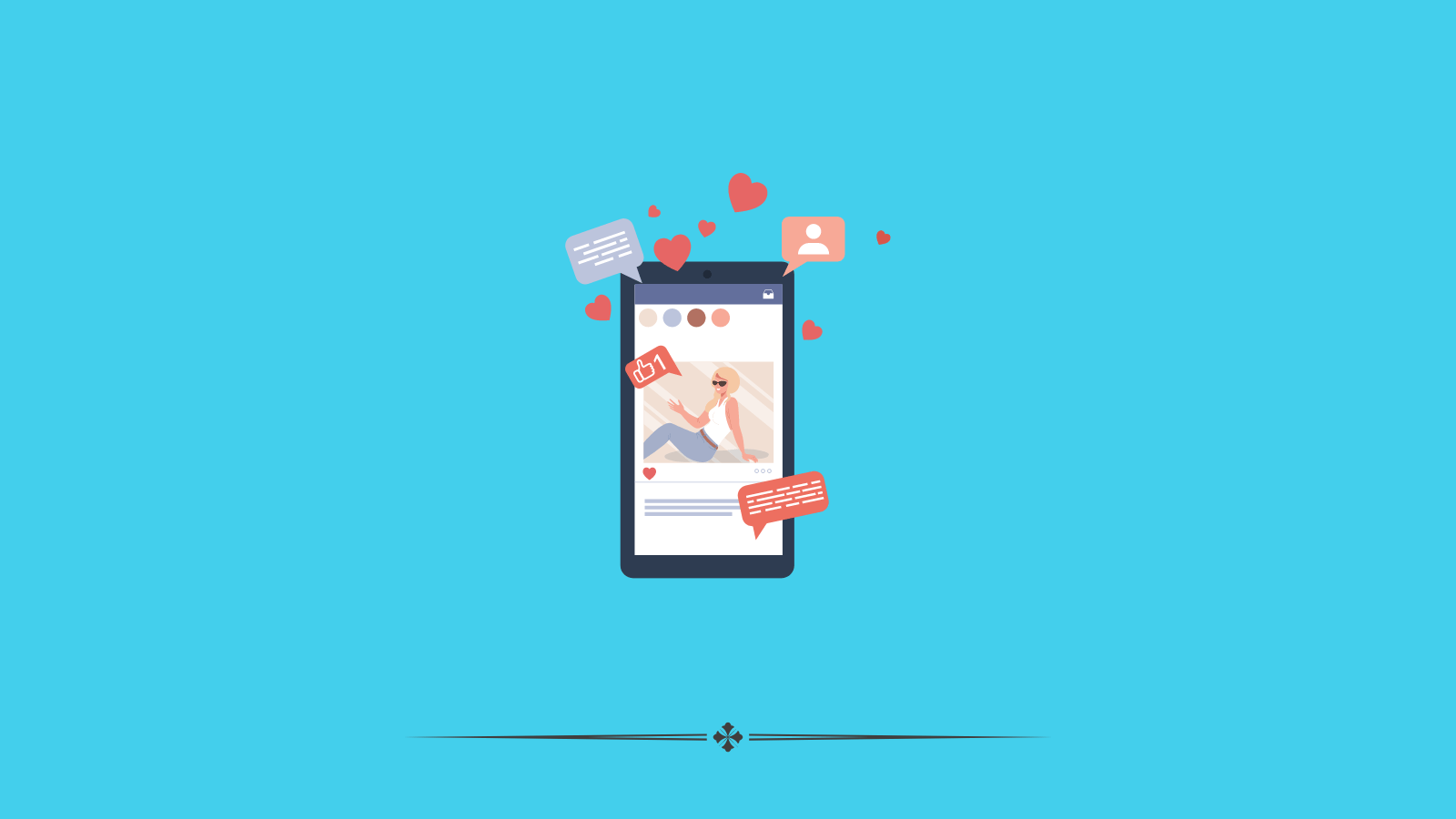
Creating effective social media posts is crucial for engaging your audience and enhancing your online presence. Visual content, particularly images, plays a vital role in catching the viewer’s attention and conveying your message quickly and effectively. Here are some best practices for crafting compelling social media posts, with a focus on the importance of images and the benefits of using an AI social media image generator:

Use High-Quality Images

  • Clarity and Appeal: Always use high-resolution images that are clear and visually appealing. This ensures that your content looks professional and is attractive on all device screens.

Align Images with Brand Identity

  • Consistency: Ensure that your images consistently reflect your brand’s colors, styles, and themes. This helps in building a recognizable brand identity across various platforms.

Optimize Images for Different Platforms

  • Platform-Specific Requirements: Different social media platforms have different optimal image sizes and aspect ratios. Tailor your images to meet these specifications to ensure they look their best.

Incorporate Relevant Visuals

  • Enhance Message Clarity: Use visuals that directly relate to your post’s message, which can help in conveying complex information quickly and effectively.

Utilize AI Social Media Image Generators

  • Efficiency and Customization: AI social media image generators can drastically reduce the time and effort needed to create stunning visuals. These tools can generate images from textual descriptions, making it easier to produce relevant and customized content.
  • Scalability: With AI tools, you can generate multiple image variations quickly, allowing you to A/B test different visuals to see what resonates best with your audience.
  • Accessibility: These AI tools are user-friendly and do not require advanced graphic design skills, making it possible for anyone to create professional-quality images.

Use Text Sparingly

  • Visual Focus: While some text on images can be effective, too much can overwhelm the viewer. Keep text minimal and ensure it complements the visual elements without dominating them.

Test and Analyze

  • Engagement Metrics: Regularly test different types of images and analyze their performance in terms of engagement, shares, and likes. Use this data to refine your visual content strategy.

Visuals are a cornerstone of effective social media content, and leveraging AI social media image generators can enhance your ability to produce engaging, relevant, and high-quality images effortlessly. By following these best practices, you can ensure that your social media posts not only capture attention but also drive greater engagement and help in building a strong, visually cohesive brand online.

Best Practices using AI Image Generators for Social Media Posts
Best Practices using AI Image Generators for Social Media Posts

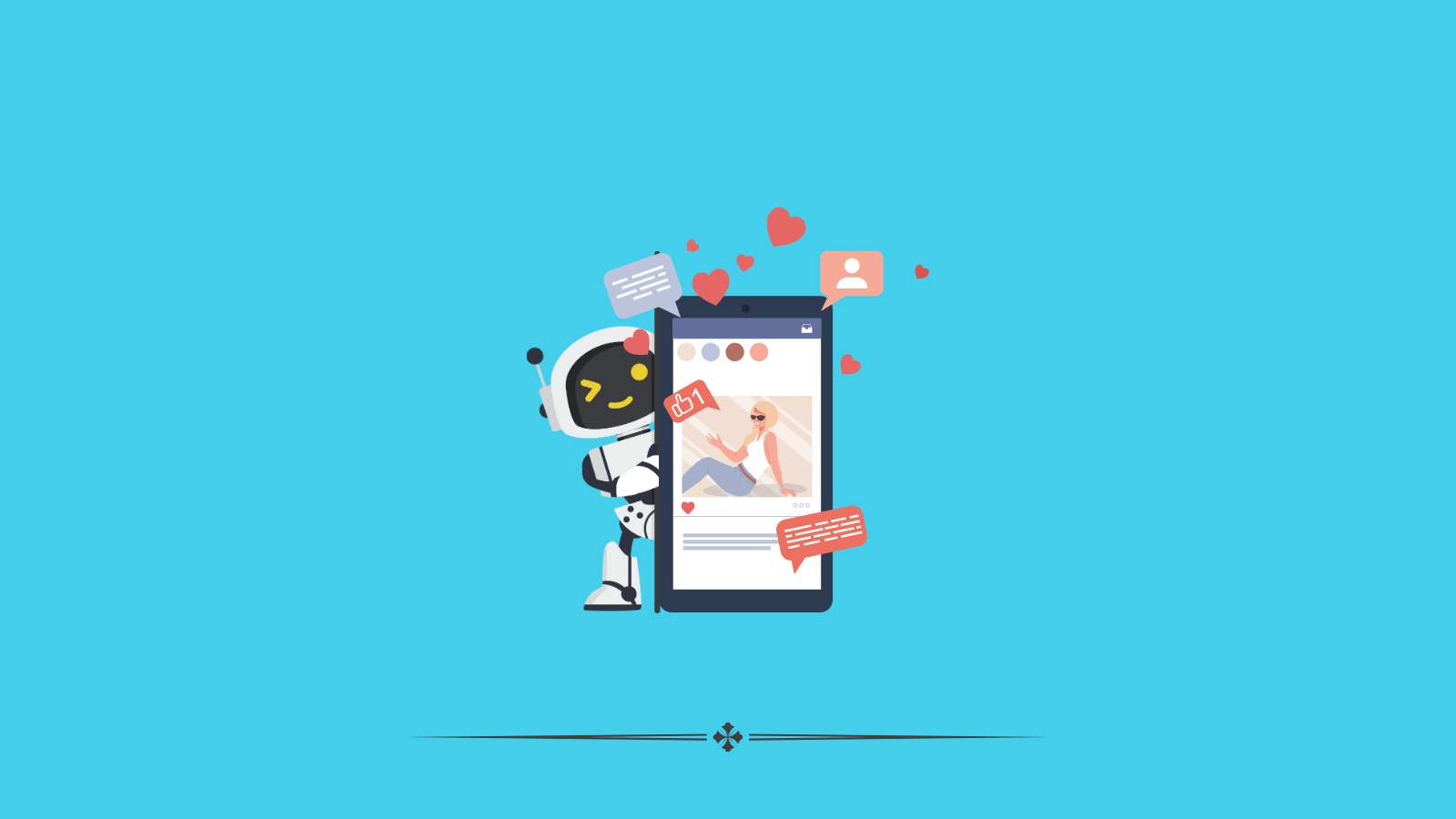
Using AI image generators, such as Flux 1, for creating social media posts is an innovative way to produce engaging and visually appealing content quickly. These tools harness artificial intelligence to generate images based on text descriptions, offering a vast range of creative possibilities. Here are some best practices for effectively using AI image generators for social media posts:

Define Clear Objectives

  • Purpose-Driven Imagery: Start by clearly defining the purpose of your post. What message do you want to convey? Ensure that your image aligns with this message to maintain coherence and relevancy.

Craft Detailed Descriptions

  • Precision in Instructions: When using an AI image generator, the detail in your text prompt significantly influences the output. Be precise and descriptive in your instructions to guide the AI towards producing the desired image.

Maintain Brand Consistency

  • Visual Brand Identity: Ensure that the images generated by AI are consistent with your brand’s visual identity. This may include colors, styles, and themes that align with your brand standards to maintain a cohesive image across all posts.

Prioritize Ethical Considerations

  • Respect Copyrights and Trademarks: Be mindful of intellectual property rights and avoid creating images that could infringe on copyrights or trademarks.
  • Cultural Sensitivity: Ensure that the images generated are culturally appropriate and sensitive to diverse audiences.

Edit and Customize Outputs

  • Refinement: AI-generated images often require some tweaking. Use graphic design tools to fine-tune colors, add text, or adjust composition to better meet your needs.

Optimize for Social Media Platforms

  • Platform-Specific Customization: Different platforms have varying requirements for optimal image display. Customize images to fit the specifications of platforms like Instagram, Facebook, Twitter, Pinterest, etc., considering aspects like aspect ratios and image resolution.

Stay Updated with AI Advances

  • Continual Learning: AI technology is rapidly evolving. Keep yourself updated with the latest developments in AI image generation to leverage new features and capabilities that can enhance your social media posts.

Monitor Performance and Gather Feedback

  • Analytics and Adjustments: Regularly monitor how AI-generated images perform in terms of user engagement and feedback. Use these insights to refine your approach and improve future posts.

AI image generators offer a powerful tool for creating dynamic and engaging social media content, allowing creators to expand their visual storytelling capabilities. By following these best practices, social media managers and content creators can maximize the effectiveness of AI-generated images, ensuring that they attract attention, convey messages clearly, and enhance overall engagement on social media platforms.

How nonprofits can use an AI Social Media Image Generator

Nonprofits need more than one kind of visual. A fundraising campaign needs attention-grabbing graphics. A volunteer post may need a warm, community-focused image. An educational carousel may need simple visuals that support clarity. An AI Social Media Image Generator helps your team create first drafts for all of these faster.

This can be especially useful for smaller teams that do not have a designer available for every campaign. AI image tools can help create visuals for social posts, blog promotion, email banners, event graphics, cause awareness, and campaign storytelling. HubSpot’s current AI image features are built for blog posts, website and landing pages, emails, and social posts, which makes this workflow practical for content teams handling multiple channels.

Why brand consistency matters when using AI-generated social images

AI can help you create faster, but speed is only useful if the images still feel like your organization. Canva’s brand consistency guidance emphasizes aligning design and content with a clear brand identity, and Hootsuite recommends keeping visual elements consistent across channels to support recognition and avoid a sloppy or unprofessional look.

For nonprofits, this matters because supporters often encounter your organization in fragments. They may see an Instagram image one day, a LinkedIn graphic the next, and an email banner later in the week. If the visuals feel disconnected, the brand feels less trustworthy and less memorable.

A better approach is to use AI as a draft tool inside a simple visual system. Keep your color direction, tone, layout approach, and image style as consistent as possible so the final content still feels recognizably yours.

How to prompt an AI Social Media Image Generator for better output

Better prompts usually lead to better images. Instead of asking for a generic nonprofit image, describe the campaign, audience, emotion, visual style, and platform. You can also include whether the image should feel hopeful, urgent, community-driven, educational, or polished.

HubSpot’s AI image guidance notes that prompts can be enhanced with more detail to generate stronger, more complex results, and HubSpot’s assistant examples show image prompts being used for social and fundraiser-related content.

For example, asking for a social media image about fundraising will usually produce a weak result. Asking for a warm, modern image for a nonprofit Instagram post about community food support, with volunteers packing boxes and space for short overlay text, gives the tool much better direction.

How nonprofits can create images for different social platforms with AI

A good image for LinkedIn is not always a good image for Instagram, and a Facebook event graphic will not always work well as a carousel visual. Hootsuite’s up-to-date image size guidance warns that wrong dimensions can lead to cropping, compression, or empty space, which can hurt presentation and performance.

That means nonprofits should generate or adapt images with the final platform in mind. LinkedIn images often benefit from cleaner layouts and more professional framing. Instagram usually rewards visually stronger and more expressive creative. Facebook event or community posts may need readability first. Awareness campaigns may need visuals that stop the scroll, while donor trust content may need visuals that feel more grounded and human.

AI helps here because it can generate multiple starting points for different platform needs. The key is to refine those outputs so they fit the actual placement and format.

How AI-generated images support nonprofit storytelling

Visual content can make nonprofit storytelling easier to absorb and easier to remember. Sprout Social’s visual content guidance focuses on using visuals to help brands stand out and connect with audiences, while Canva’s nonprofit marketing guidance highlights the importance of social media and campaign visuals in community engagement.

For nonprofits, this means AI-generated visuals can support more than decoration. They can help illustrate a campaign theme, represent a cause area, add emotional context to a story, or make educational content easier to engage with. That is especially valuable when a team wants to turn one campaign idea into several visual assets without rebuilding every piece manually.

The strongest results usually happen when AI images support a real story, not when they try to replace it. A campaign still needs a clear message, and the image should help that message land faster.

How AI image generation fits into a smarter nonprofit content workflow

An AI Social Media Image Generator works best as part of a broader workflow. Hootsuite’s guidance on scaling social content stresses the importance of shared libraries, approval systems, and repeatable processes, while Canva and Hootsuite both emphasize the value of consistent brand standards across content creation.

For nonprofits, this means using AI-generated images as visual starting points that move through a simple system. Generate the image, review it for clarity and brand fit, resize it for the intended platform, add any final design touches, and then use it across a connected campaign.

That turns AI into something more useful than a one-off tool. It becomes part of a repeatable nonprofit AI marketing process that helps your team create more visual content with less friction.

Conclusion

AI social media image generators represent a significant leap forward in content creation, offering both efficiency and creativity at scale.

They democratize design by enabling anyone to create eye-catching images without needing expert skills, thus leveling the playing field in digital marketing. As technology advances, these tools are set to become even more sophisticated, further enhancing their ability to produce tailored, brand-aligned content that engages and inspires audiences. With AI at their fingertips, social media managers and creators are better equipped than ever to meet the visual demands of today’s digital landscape.

FAQ

What is an AI Social Media Image Generator?

An AI Social Media Image Generator is a tool that creates images from prompts for use in social content, campaigns, and digital marketing. Some current AI marketing tools can generate images for social posts, blog posts, website pages, and emails.

How can nonprofits use an AI Social Media Image Generator?

Nonprofits can use it to create visuals for fundraising campaigns, awareness posts, volunteer recruitment, educational content, event promotion, email banners, and blog promotion on social media. It is especially useful for smaller teams that need more content without building every asset manually.

Why does brand consistency matter for AI-generated social images?

Brand consistency helps audiences recognize and trust your organization across channels. Canva recommends aligning design with a clear brand identity, and Hootsuite notes that consistent visuals across platforms support brand recognition and make profiles look more professional.

What should you include in a prompt to get better AI-generated images?

Include the campaign goal, audience, platform, visual style, emotion, subject, and any layout needs. HubSpot’s AI image guidance notes that adding more detail to prompts helps generate more useful and more complex image results.

Do nonprofits need different image sizes for different social platforms?

Yes. Hootsuite’s current image size guidance warns that using the wrong dimensions can lead to cropping, compression, or empty space around visuals, which can make content look weaker and reduce impact.

Can AI-generated images support nonprofit storytelling?

Yes. Visuals can help make campaign themes, cause awareness, and educational content easier to understand and more memorable. Used well, AI-generated images can support nonprofit storytelling by creating more visual starting points for content across channels.

Check out our latest Content

Articles, Images, Videos, and more!

Get a Christian Coloring Book this Christmas

Christian Coloring Book for Kids

Never get Stuck – Ask the AI Buddy Anything

AI Gardening App

Convert Text into any Case

Free Case Converter

Pros and Cons of Shopping

Online vs Traditional Shopping

Epic YT Title Examples

Fitness YT Title Examples

Earn $2000 a month!

AI Side Hustles from Home

Latest Videos