The Best Content Creation Platforms for 2024 [Start for Free]
Creating great content is a must! Lucky for us, there are plenty of Content Creation Platforms that can help make our jobs easier. Check them out!

Back in the days, we had a pen and paper to create content. Now, we have Content Creation Platforms that help us in many ways!
These platforms help us create beautiful content, intelligent content, help us improve our writing, and much more.
Check them out and select your favorites to add to your Tech Stack.
StoryLab.ai
Do you want to create more content, but are you struggling to find the right topics? What if I told you that you could generate a ton of highly relevant ideas by simply entering a couple of keywords and describing the topic of your content?
StoryLab.ai generates marketing content ideas so you don’t have to stare at a blank piece of paper anymore.
Give it a try. StoryLab.ai offers a free trial so you can check out what it can do for you.
Check out the AI-Powered Content Creation Platform.
Foleon
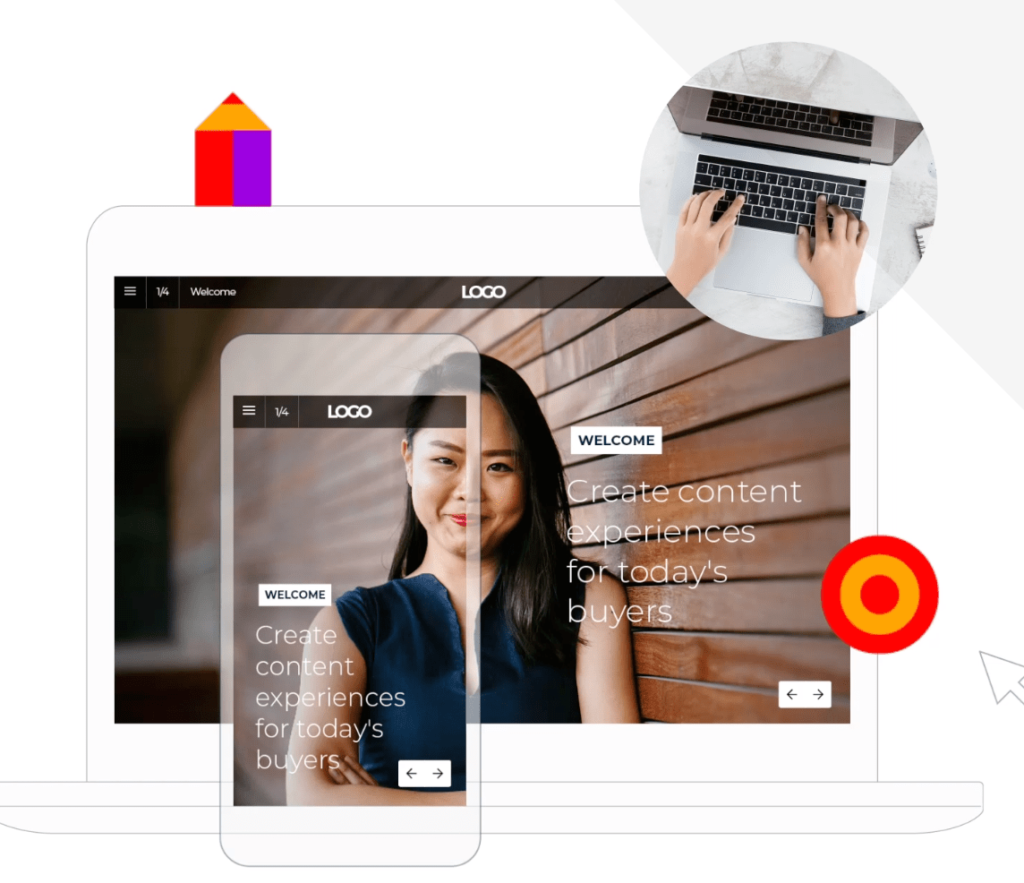
Are you looking for a Content Creation Platform to create better engaging, intelligent ‘behind the gate’ content at scale? Check out what Foleon can do for you.
Up until now, the e-book that we created were published in PDF format. The main downsides were that we had no idea what happened after people downloaded an asset (this is possible with Foleon) and that our assets were not per se optimal for all screen sizes (not a problem with Foleon).
Added bonus. No more waiting for designers to help out. Creating on-brand white papers is easy with Foleon’s Drag and Drop editor.
Check out Foleon’s Content Creation Platform
Canva
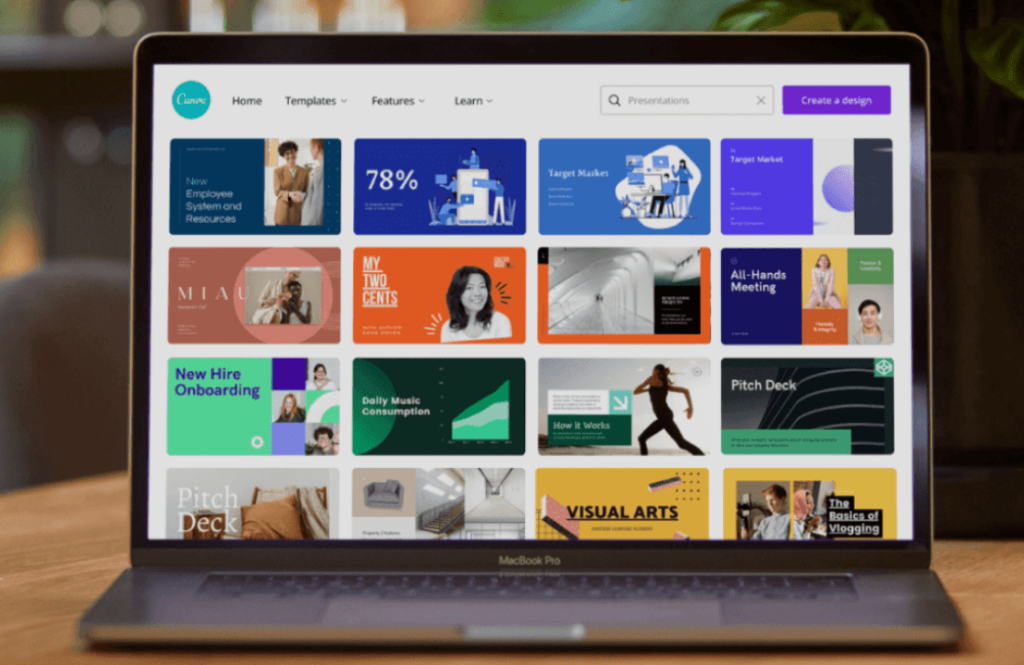
No more waiting for designers to finish creating your Infographic, Social Media banner, Blog Post image, or anything else you need. You can create it yourself with Canva.
Their Content Creation Platform helps you with pre-designed templates which you can edit to fit your needs.
Medium
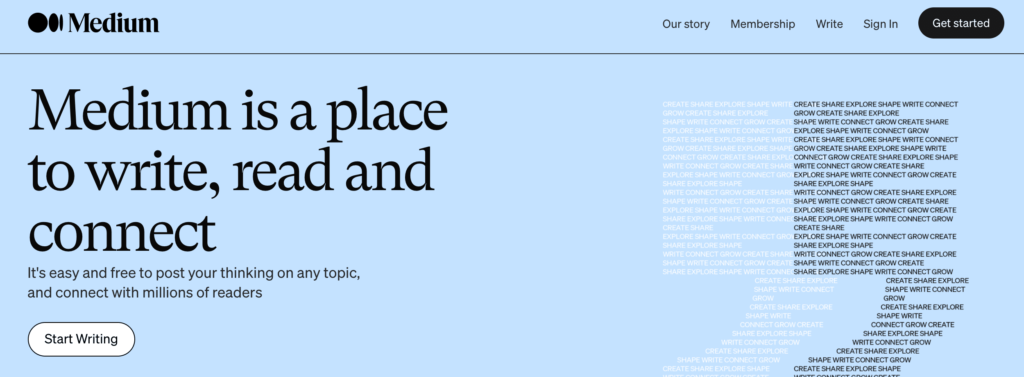
Are you looking to write articles but don’t want to create an entire website? Check out Medium’s content creation platform.
Simply create an account and start writing.
It’s perfect for people that are just starting out and want to see if creating content is really something for them, or for people that want to have a place where they can share less corporate and more personal stories and have those separate, etc.
Grammarly
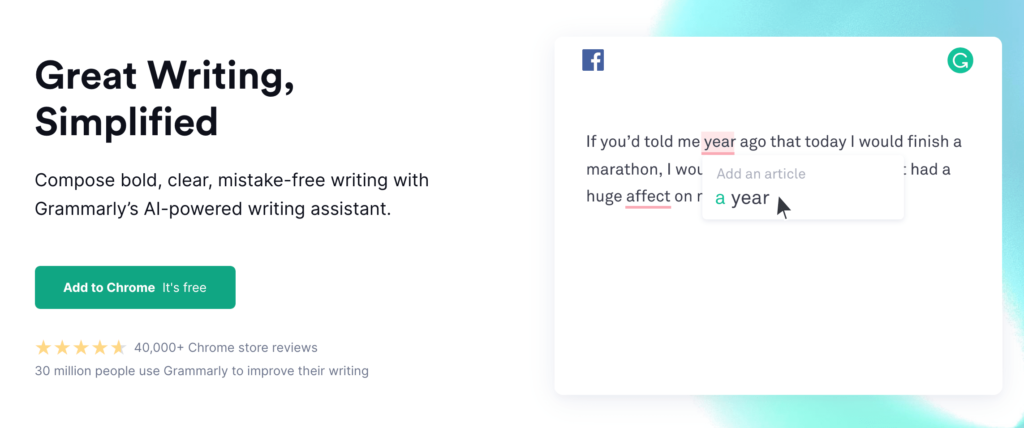
When writing content, you don’t want to constantly be stopping and searching for the right spelling of words or the correct grammar. Grammarly can help you write with fewer mistakes.
The tool is very handy because it integrates with other tools that you’re already using like, WhatsApp, WordPress, Slack, and more. Be sure to check it out!
Narrato AI
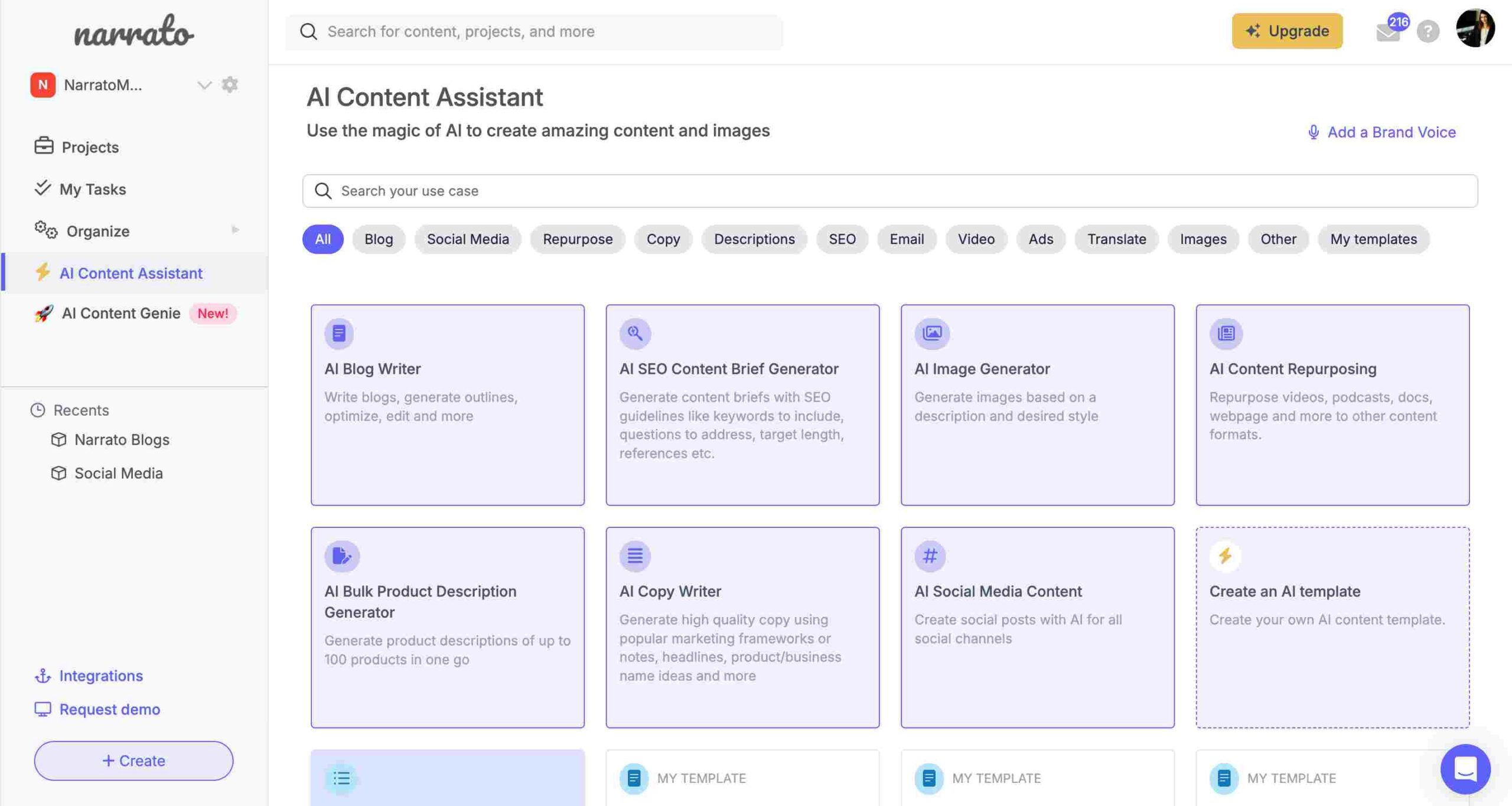
Narrato is an AI content creation tool aimed at streamlining your content creation and marketing efforts. It comes with superior AI features to help you brainstorm ideas, generate content, do keyword research, enhance existing content, and much more. Is its most unique feature? The AI Content Genie. This is your all-in-one writer, SEO expert, and content strategist. All you need to do is provide your website URL and preferred themes, and watch as it churns out ready-for-publishing blog articles and social media posts. You can effortlessly tweak and push these out to your favored platforms using automatic publishing.
Narrato doesn’t just automate your content marketing, it also includes an AI content assistant packed with over 100 AI and SEO tools. These tools enhance content ideation, SEO planning, and provide writing assistance for blogs, ads, copywriting, product descriptions, email content, social posts, AI images, and many more (most of them also support bulk AI content generation). And if you can’t find an AI template that fits your specific needs, you have the option to design one using custom AI templates.
To top it all off, Narrato is a comprehensive AI content workspace that offers a variety of features for project and team management as well as collaboration. This reduces the need for multiple tools, making your life that much easier.
Check out Narrato AI Content Workspace
Hemingway App
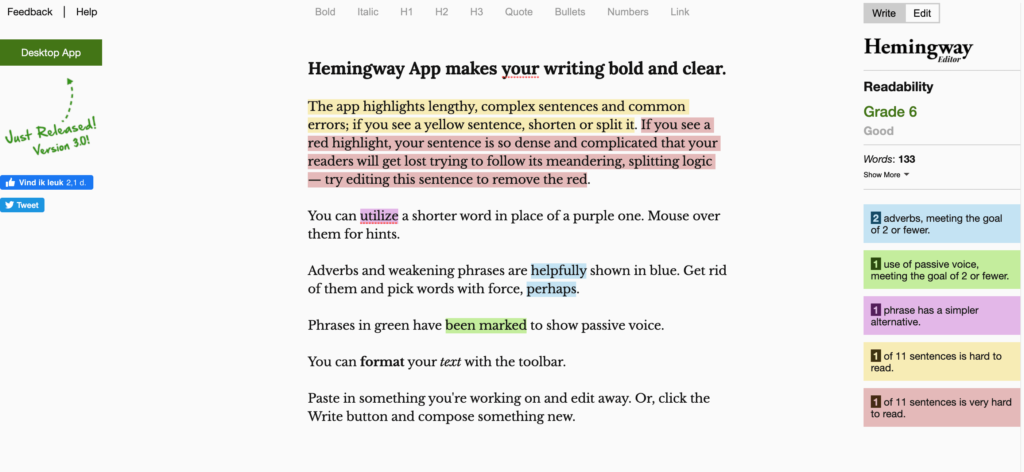
You can also use the Hemingway App to help your write better content copy. The app is simple to use and it will help you create content that people will love to read. Be sure to check it out and select your favorite writing assistant.
FAQ
Q: What is a Content Creation Platform?
It’s a digital tool or service that aids individuals and businesses in creating, managing, and distributing digital content such as blogs, videos, and social media posts.
Q: How do Content Creation Platforms benefit marketers and creators?
These platforms streamline the content creation process, provide tools for easy editing and customization, and often include analytics for performance tracking.
Q: Can these platforms be used for creating content for social media?
Yes, many content creation platforms offer specific tools and templates designed for social media content, including posts, stories, and ads.
Q: Do Content Creation Platforms require technical skills to use?
Most platforms are user-friendly and designed for creators of all skill levels, often featuring drag-and-drop interfaces and easy-to-use editing tools.
Q: How do these platforms assist in content strategy and planning?
Many offer content planning tools, editorial calendars, and collaboration features, helping users strategize and organize their content effectively.
Q: Are there content creation platforms suitable for video content?
Yes, there are platforms specifically tailored for video content, offering video editing tools, effects, and templates for creating professional-looking videos.
Q: Can Content Creation Platforms help with SEO for written content?
Some platforms include SEO tools that suggest keywords, optimize headlines, and provide guidance to improve the search engine ranking of written content.
Q: How does content collaboration work on these platforms?
These platforms often allow multiple users to collaborate on projects, providing features like shared workspaces, commenting, and version control.
Q: Are there free content creation platforms available?
Many platforms offer free versions with basic functionalities, while more advanced features might be available in their paid versions.
Q: How do these platforms handle content distribution and publishing?
Several content creation platforms offer direct integration with social media and blogging platforms, enabling users to publish and distribute content seamlessly across channels.
Q: Can Content Creation Platforms track the performance of content?
Yes, many platforms include analytics tools to track content performance metrics like engagement, reach, and conversion rates.
Q: How do Content Creation Platforms support branding and identity?
These platforms often allow customization options like adding logos, brand colors, and fonts to maintain brand consistency across all created content.
Q: Are there platforms specialized for graphic design and imagery?
Yes, several platforms focus specifically on graphic design, offering tools for creating infographics, banners, and other visual content.
Q: How do these platforms ensure content is mobile-friendly?
Most modern content creation platforms automatically optimize content for mobile devices, ensuring a seamless viewing experience across all screen sizes.
Q: Can businesses use these platforms for email marketing content creation?
Many platforms provide templates and tools for creating and managing email marketing campaigns, including newsletters and promotional emails.
Q: How user-friendly are these platforms for novice content creators?
Content creation platforms are generally designed with a user-friendly interface, providing templates and guides that are accessible to beginners.
Q: Do Content Creation Platforms offer content scheduling features?
Many platforms include scheduling features, allowing users to plan and automate the publishing of their content at optimal times.
Q: Can these platforms integrate with social media management tools?
Several platforms offer integrations with social media management tools, enabling streamlined content publishing and monitoring across social networks.
Q: Are Content Creation Platforms suitable for podcast creation and distribution?
Some platforms are equipped with tools for podcast creation, including audio recording and editing capabilities, as well as distribution features.
Q: How do Content Creation Platforms handle data security and privacy?
Reputable platforms adhere to strict data security protocols to protect user content and personal information, complying with privacy regulations.
Q: Can Content Creation Platforms be customized for specific industries?
Yes, many platforms offer industry-specific templates and tools, catering to the unique content needs of different sectors like fashion, technology, or hospitality.
Q: How do these platforms accommodate different content formats like blogs, videos, and podcasts?
Most content creation platforms support a variety of content formats, providing specialized tools and templates for each type, such as text editors, video editors, and audio recording tools.
Q: Are there AI-based features available in Content Creation Platforms?
Many modern platforms incorporate AI features for content optimization, like automated editing suggestions, SEO enhancements, and data-driven content recommendations.
Q: How do Content Creation Platforms facilitate content repurposing?
These platforms often include tools to easily modify and adapt existing content for different channels and formats, maximizing the utility of each piece of content.
Q: Can these platforms provide analytics on audience engagement and preferences?
Yes, advanced analytics features are available in many platforms, offering insights into audience behavior, content preferences, and engagement patterns.
Q: How do Content Creation Platforms support collaboration among team members?
Collaboration features typically include shared workspaces, real-time editing, commenting, and workflow management to facilitate teamwork.
Q: Are there content creation platforms designed for e-commerce businesses?
Some platforms are specifically tailored for e-commerce, offering tools for product imagery, promotional content creation, and integration with online stores.
Q: How frequently do Content Creation Platforms update their features and tools?
Most platforms regularly update their features to keep up with the latest digital trends, user feedback, and technological advancements.
Q: Can these platforms assist in compliance with various content regulations and standards?
While they provide tools to create compliant content, the responsibility for adhering to regulations and standards ultimately lies with the user.
Q: What kind of customer support do Content Creation Platforms offer?
Most platforms provide a range of customer support options, including online tutorials, FAQs, live chat support, and community forums.
You have a story to tell. We want to help.
Let’s create memorable content and reach tens of thousands of people.